RAM
How to choose ram
Form factor
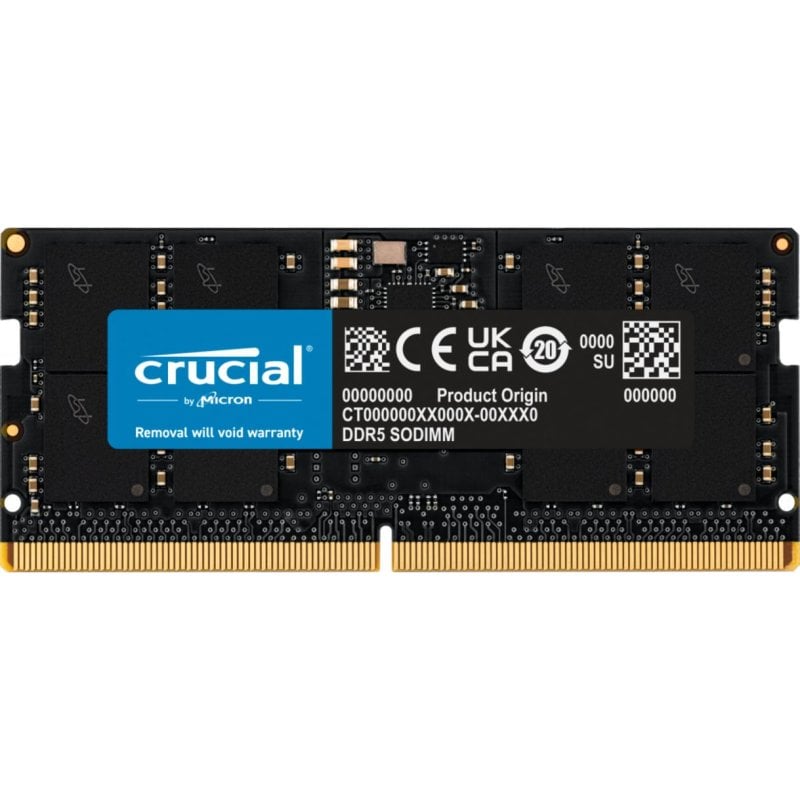
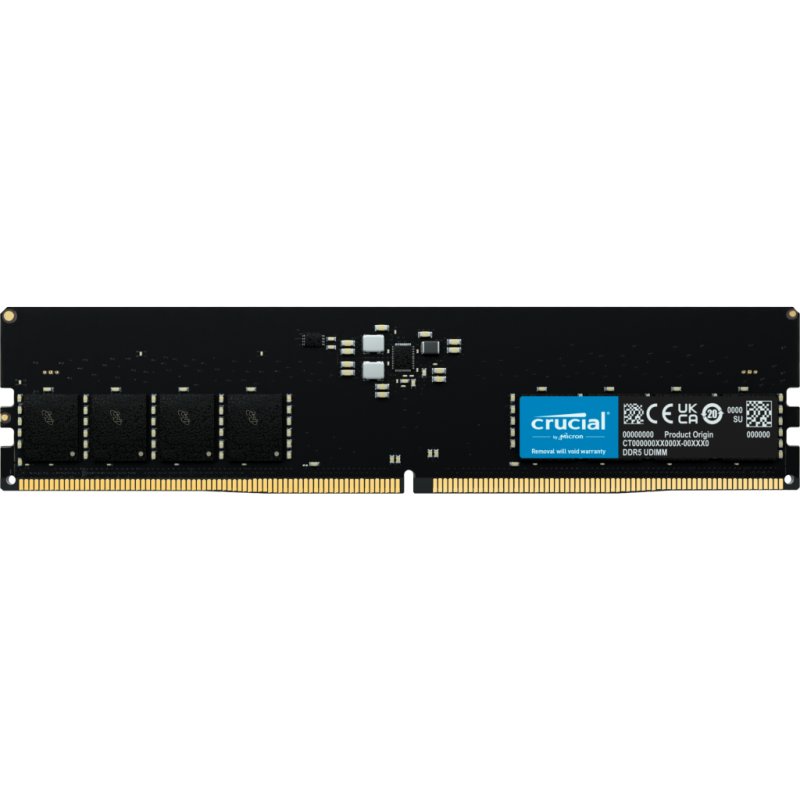
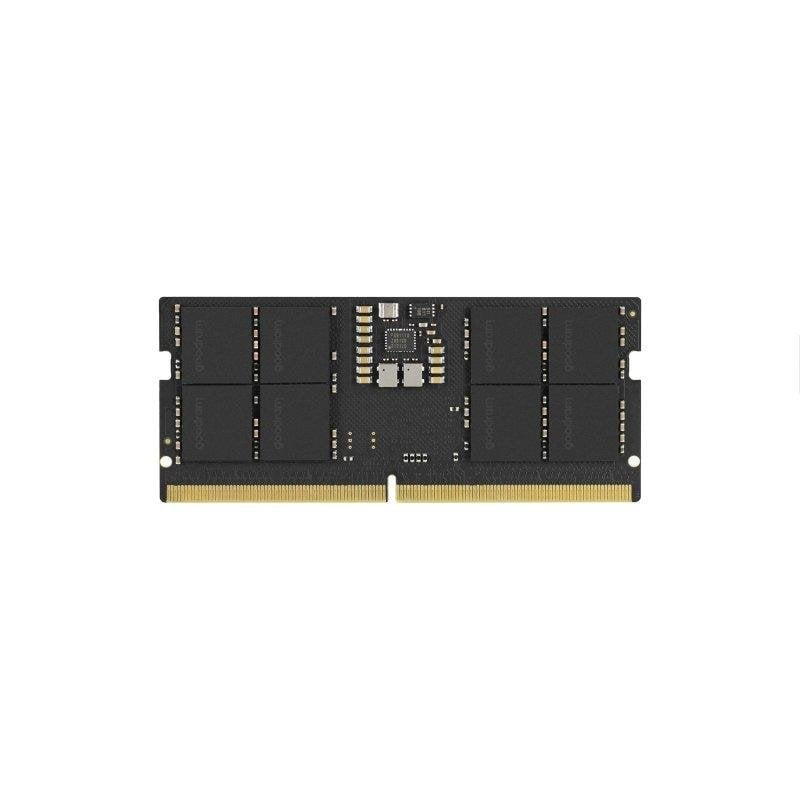
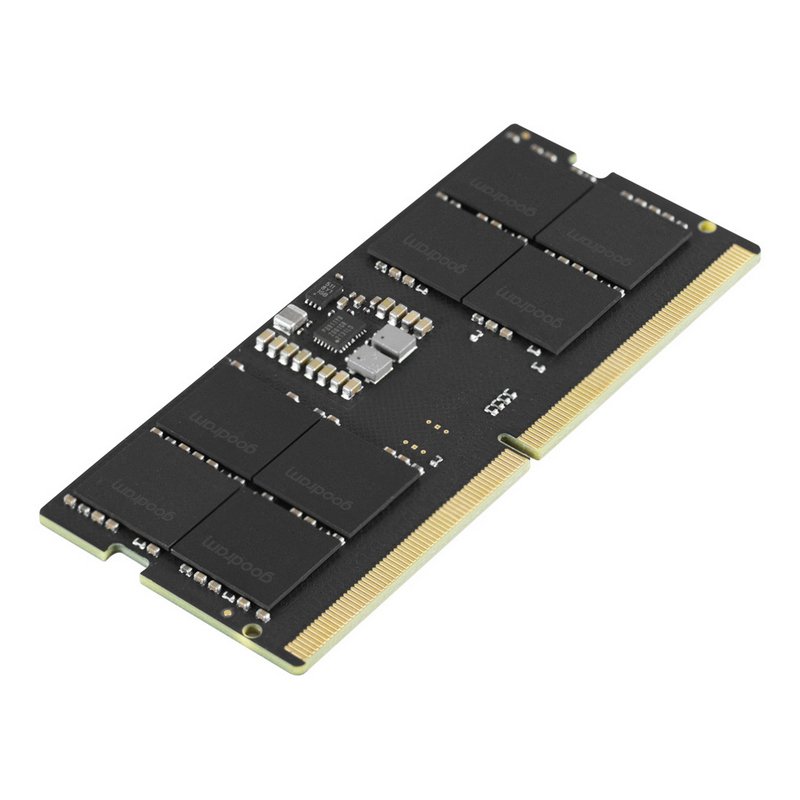
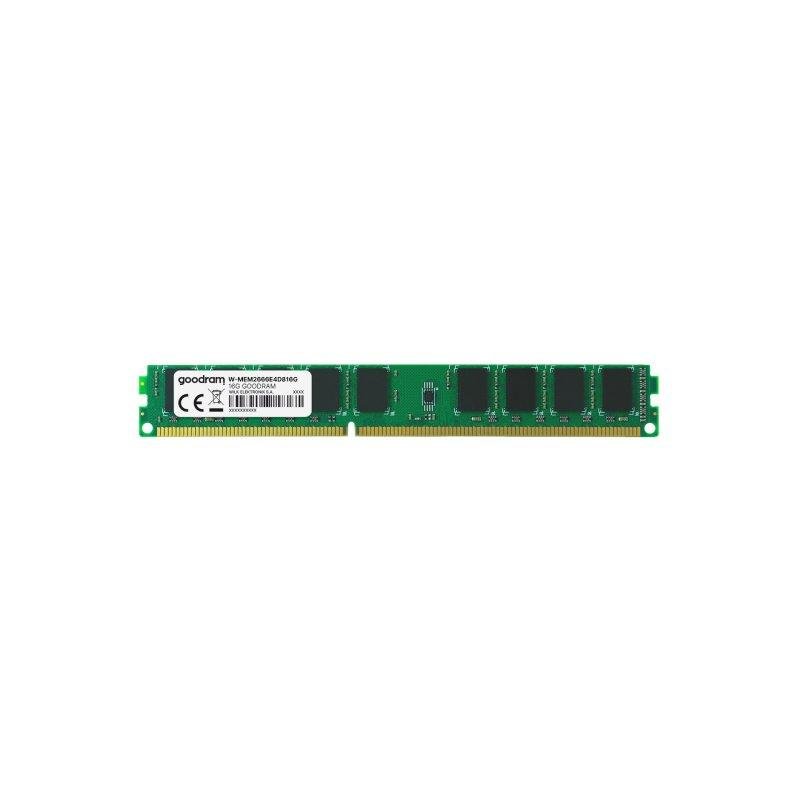
Pick DIMM for desktop, SODIMM for laptop. A wrong form factor will not seat in the slot.
Generation
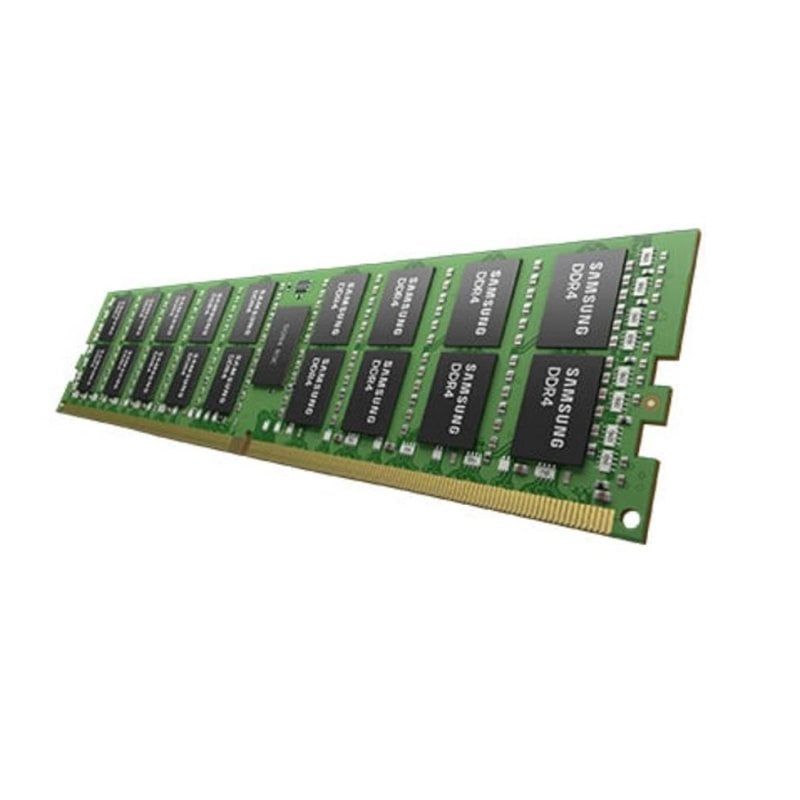
DDR3, DDR4 and DDR5 are not cross-compatible. Match the generation to your motherboard.
Capacity vs speed
Capacity against speed: 4GB aids a basic office box, while 32GB plus helps editing, but higher MHz draws more power.
Colour and material
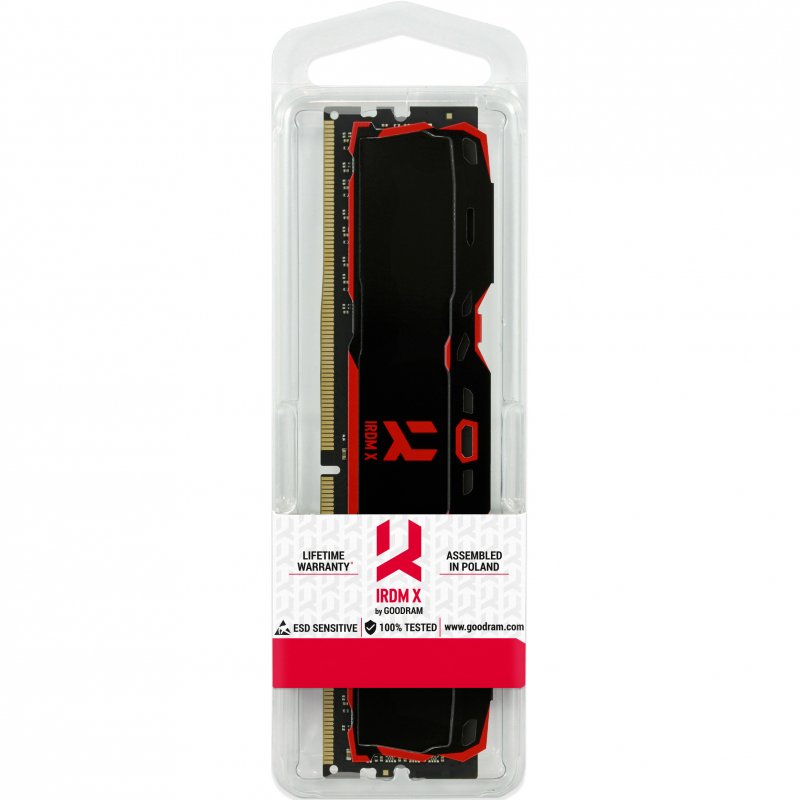
Look: black plastic hides in a case, white or gold aluminium stands out, and metal sheds heat better than plastic.
Sub-type check
Sub-type: confirm the entry is Memory and not a generic Electronics Accessories part before you view the live grid below.
What's good
- . Memory modules here cover DDR3, DDR4 and DDR5. Both old and new systems get a match.
- SODIMM sticks let laptop owners add capacity without buying a new machine.
- DIMM kits scale to 64GB, giving desktop users room for heavy workloads.
- Speeds run from 1333MHz to 5600MT/s, letting you trade latency for bandwidth.
- Colour and material vary, with black plastic or aluminium in white, gold and more, so the stick can match the build.
Things to watch
- DDR3 modules in this range stop at 1600MHz, too slow for current desktop boards.
- SODIMM capacity sits below desktop DIMM, so laptop multitasking headroom is limited.
- Modules with RGB lighting or aluminium spreaders add height and weight, which can block small CPU coolers.
- Every memory entry is Non-ECC, making it wrong for error-correcting server work.
- Some listings fall under Electronics or Electronics Accessories rather than Memory, so the spec may not be a RAM stick.
Care & maintenance
Dust
Wipe dust from plastic or aluminium heat spreaders with a dry cloth every few months.
Handling
Hold modules by the edges to avoid touching gold or silver contacts.
Storage
Store unused sticks in anti-static bags, as lead and silicone parts dislike moisture.
BIOS
After fitting, open BIOS to enable the rated profile so the speed holds.
Frequently Asked Questions
What should I look for when buying ram?
When shopping for ram, consider factors such as quality, price, brand reputation, and customer reviews. Compare prices across multiple retailers to ensure you're getting the best deal. Look for products that match your specific needs and budget.
How do I choose the right ram?
Choosing the right ram depends on your individual needs, budget, and preferences. Research different options, read customer reviews, and compare specifications. Consider what features are most important to you and look for products that offer the best value for money.
Where can I find the best deals on ram?
You can find the best deals on ram by comparing prices across multiple retailers. Our price comparison tool helps you find the lowest prices from trusted UK retailers including Amazon, eBay, and other major online stores. Check regularly as prices and deals change frequently.
Are ram products worth the investment?
The value of ram products depends on your specific needs and how you plan to use them. Quality products from reputable brands often provide better long-term value, even if they cost more initially. Consider your budget and requirements when making your decision.
What's the difference between different types of ram?
Different types of ram vary in features, quality, price, and intended use. Some may offer premium features while others focus on affordability. Research the specific differences between models or brands to find the option that best suits your needs and budget.