Computer Components
How to choose computer components
Colour
A black or grey part hides scuffs inside a case, while a pink or purple silicone item looks bright on a desk but shows dirt faster.
Material
Metal and aluminium last longer than plastic, but they add weight to a portable build.
Storage size
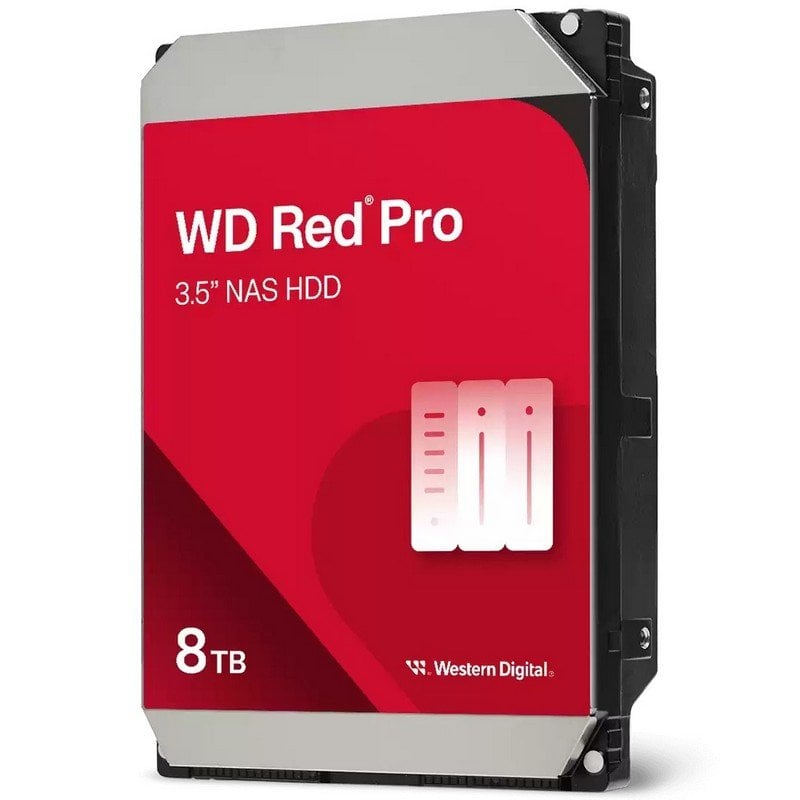
A 3.5 inch drive holds the 24Tb tier, but a 2.5 inch SSD slips into a bag.
Connection
Older PS/2 or VGA tied electronics need a converter to work with new USB only machines.
Form factor
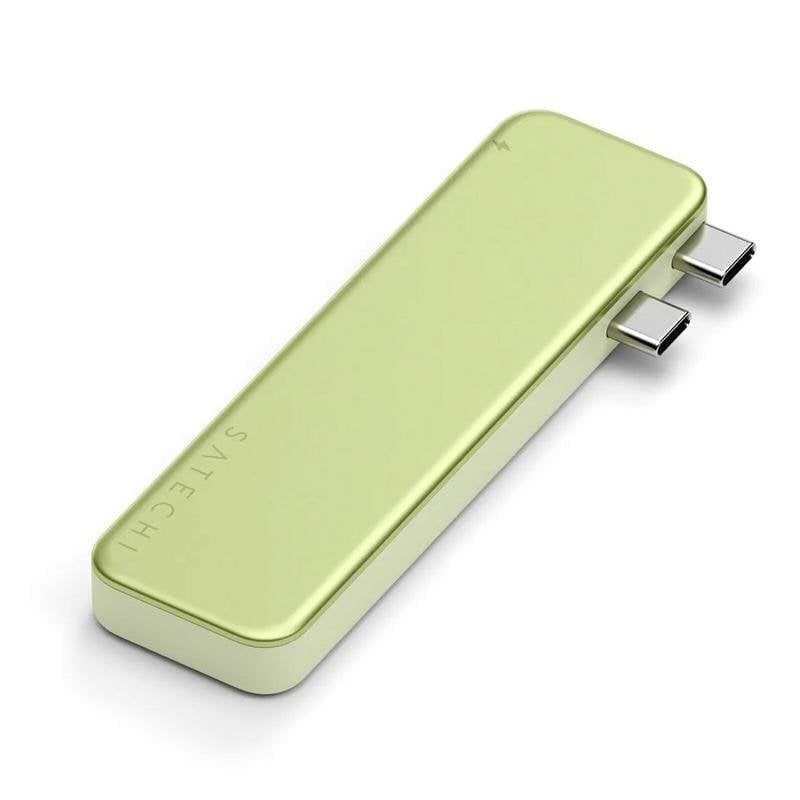
A small USB storage device built into an accessory beats a bulky docking station if you hate clutter. You lose the higher capacity tiers, though.
What's good
- A desktop user archiving surveillance footage gets room to spare from the 3.5 inch SATA tier.
- Input devices such as retro controllers let you reuse older consoles without buying new hardware.
- Electronics accessories like fan filter assemblies use plastic to block dust in a case, keeping internals cooler.
- A docking station tier in storage devices supports both 2.5 and 3.5 inch disks with fast UASP transfer, so you swap drives without opening the PC.
Things to watch
- 3.5 inch storage devices need a power feed and a spare bay. They are wrong for a laptop user who should look at a 2.5 inch portable SSD instead.
- Input devices built for old consoles will not map to modern PC games. They limit you to retro titles only.
- Plastic electronics accessories are easy to mould, but they scratch faster than metal or aluminium brackets. Pick metal if the part sits where it gets knocked.
- High capacity storage devices spin louder and run warmer than a small 500Gb mobile drive. Bedroom users may find the noise annoying.
Care & maintenance
Clean filters
This stops dust choking the airflow in your case.
Stable drives
Vibration shortens the life of the spinning disks inside.
Cool input devices
Heat makes the rubber turn sticky over time.
Loose cables
Tight bends kink the copper and break the signal.
Frequently Asked Questions
What should I look for when buying computer components?
When shopping for computer components, consider factors such as quality, price, brand reputation, and customer reviews. Compare prices across multiple retailers to ensure you're getting the best deal. Look for products that match your specific needs and budget.
How do I choose the right computer components?
Choosing the right computer components depends on your individual needs, budget, and preferences. Research different options, read customer reviews, and compare specifications. Consider what features are most important to you and look for products that offer the best value for money.
Where can I find the best deals on computer components?
You can find the best deals on computer components by comparing prices across multiple retailers. Our price comparison tool helps you find the lowest prices from trusted UK retailers including Amazon, eBay, and other major online stores. Check regularly as prices and deals change frequently.
Are computer components products worth the investment?
The value of computer components products depends on your specific needs and how you plan to use them. Quality products from reputable brands often provide better long-term value, even if they cost more initially. Consider your budget and requirements when making your decision.
What's the difference between different types of computer components?
Different types of computer components vary in features, quality, price, and intended use. Some may offer premium features while others focus on affordability. Research the specific differences between models or brands to find the option that best suits your needs and budget.