Scanners
How to choose scanners
Sub-type fit
Choose between Electronics scanners and Print, Copy, Scan & Fax combos. The combo saves space but adds weight if you never print.
Colour and build
Look at colour and material options: black plastic, silver aluminium, or red and blue accents change the desk feel.
Paper path
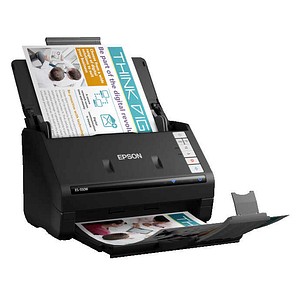
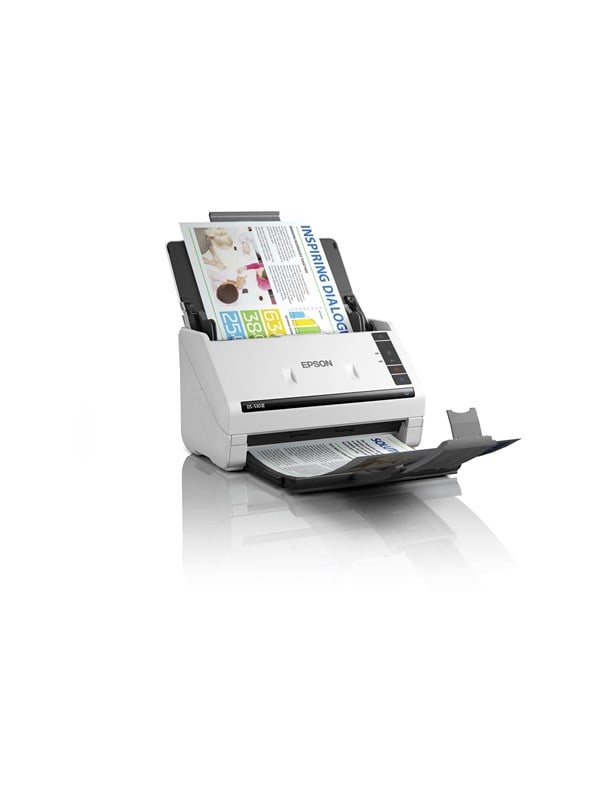
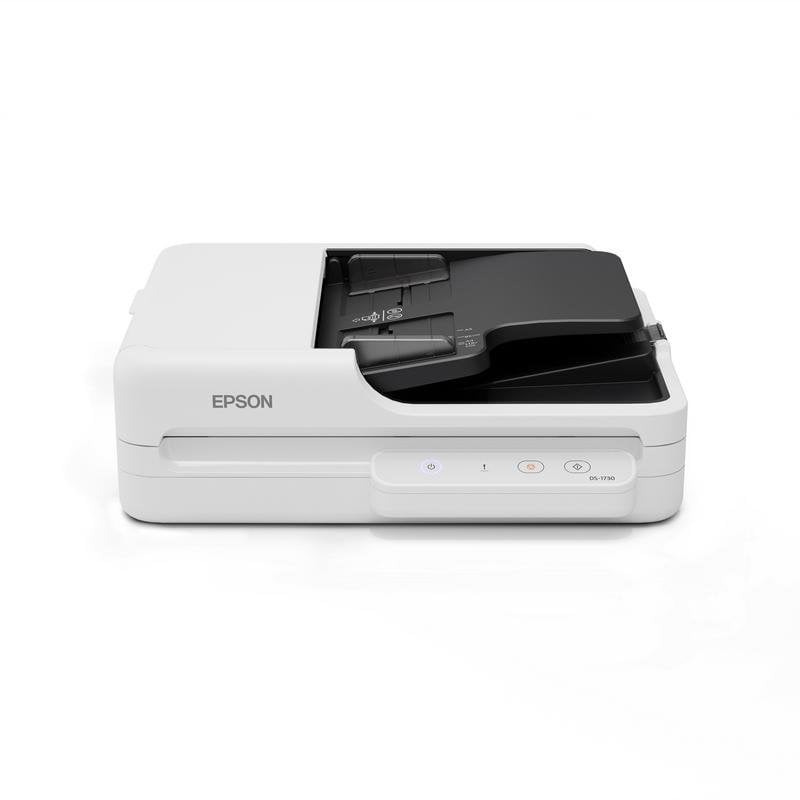
Pick ADF for speed or flatbed for books. Some units offer both.
Resolution tier
Check resolution: 600 dpi suits forms, 1200 dpi helps photo archives.
Connectivity
Think about wifi versus wired. Wifi models aid loose papers anywhere but need network setup.
What's good
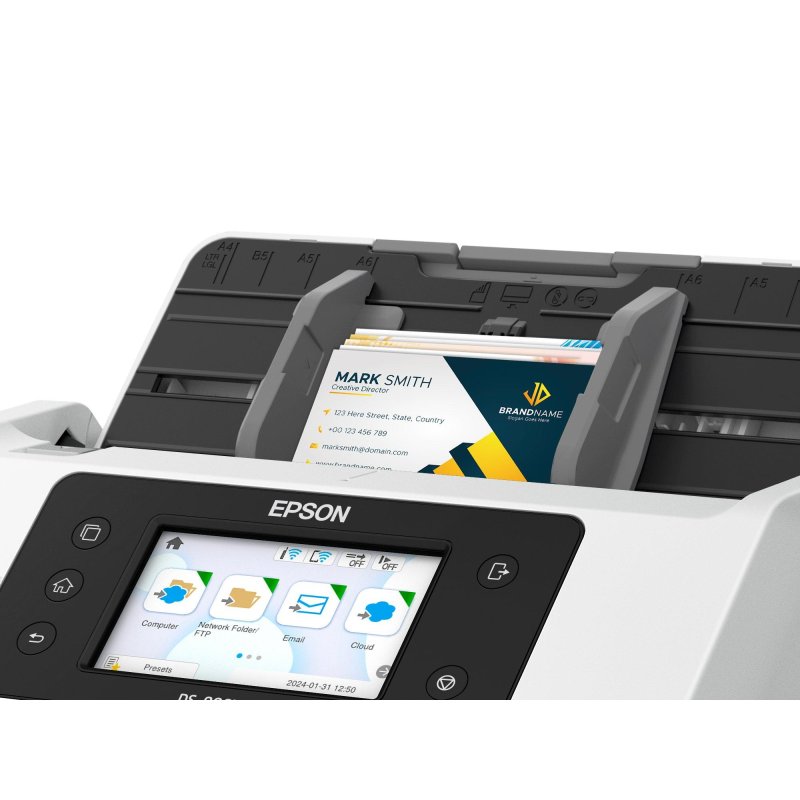
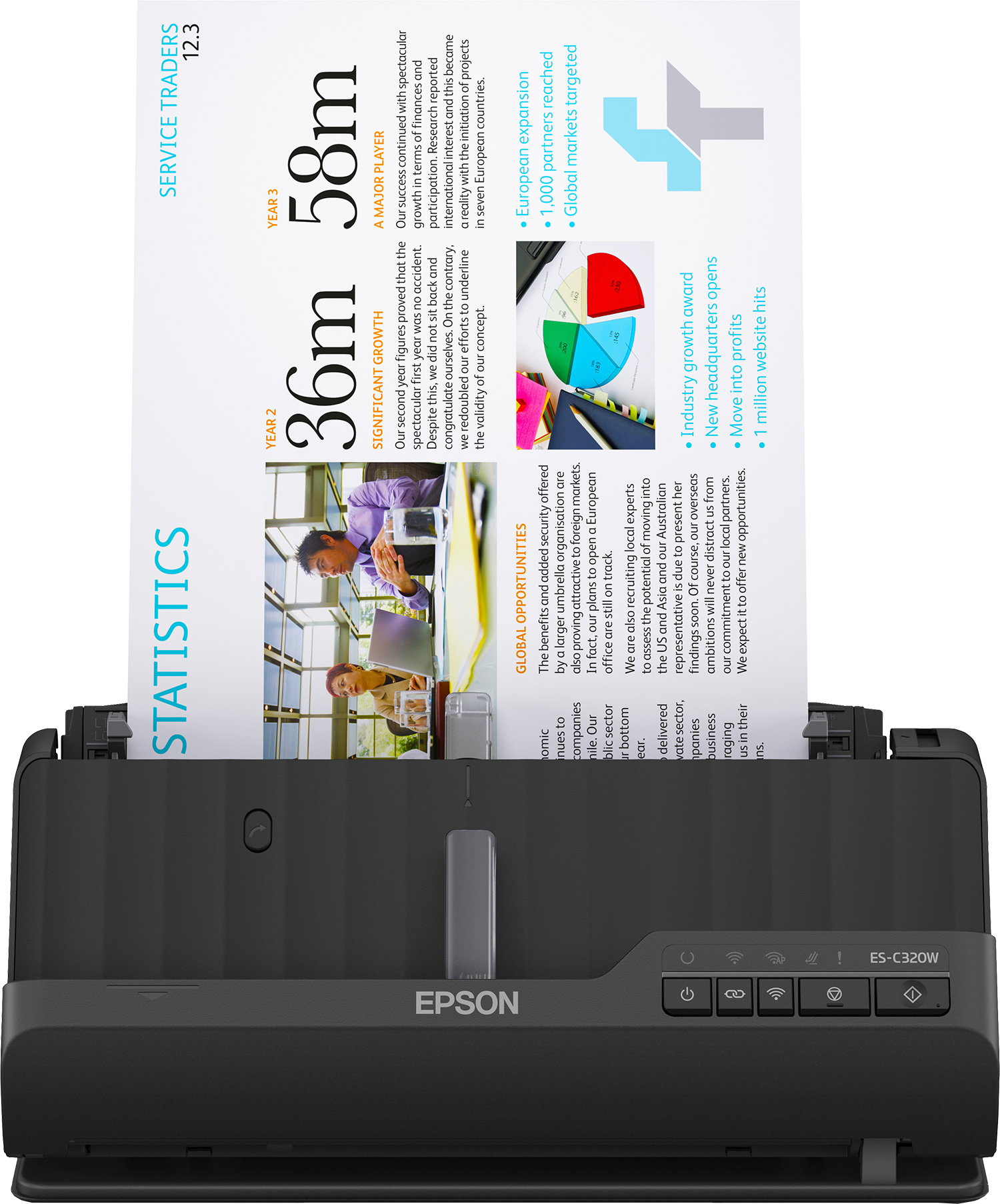
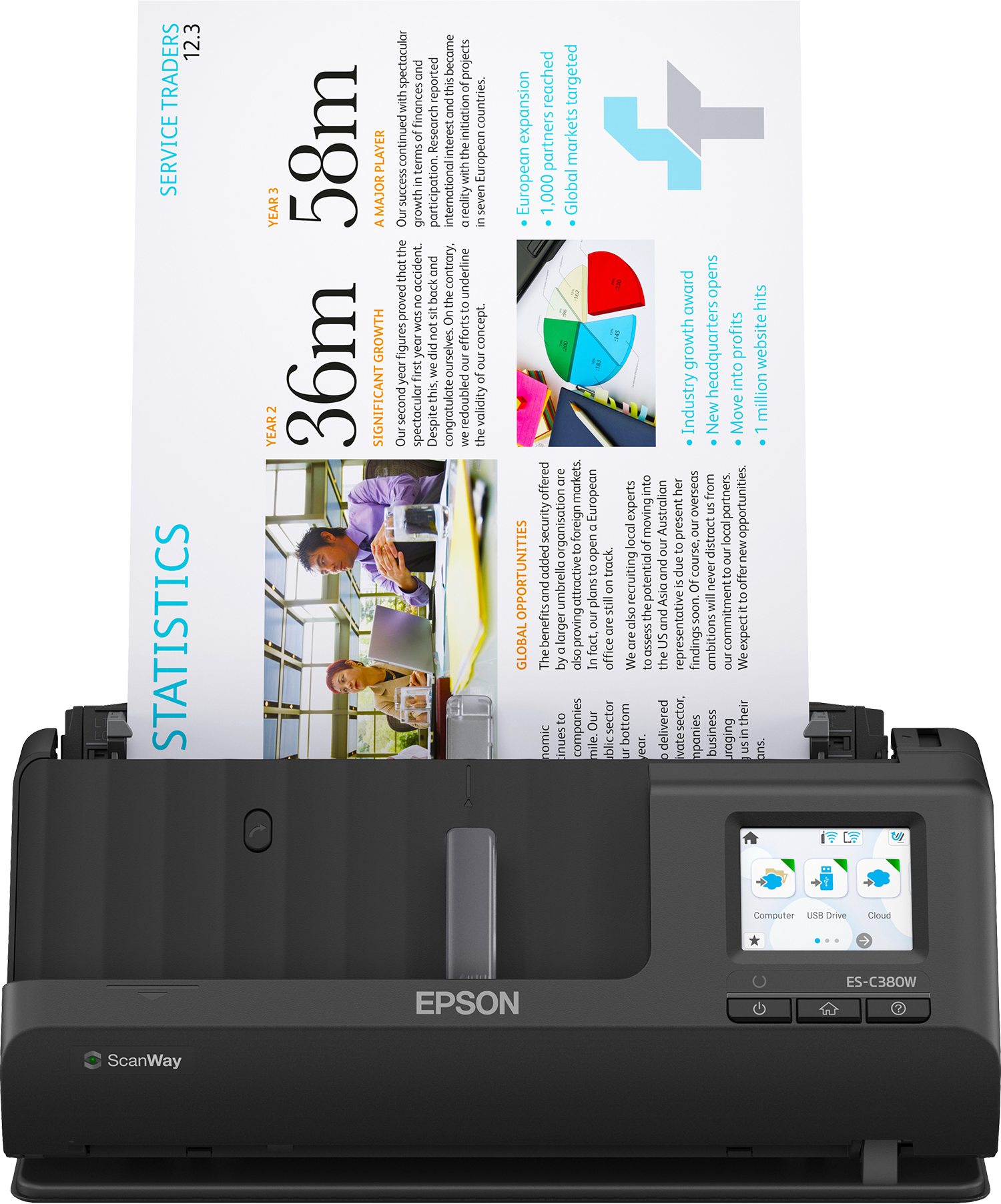
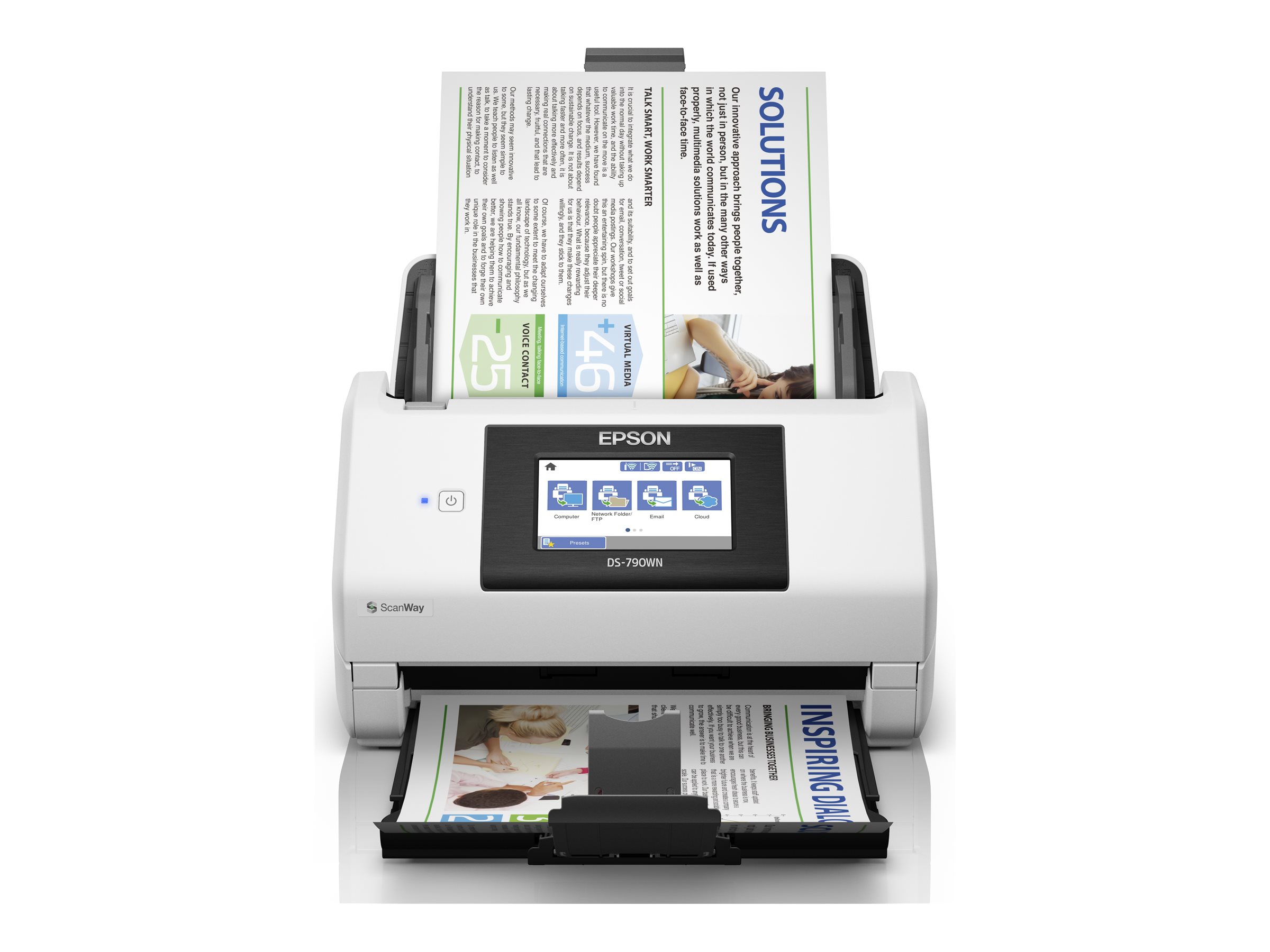
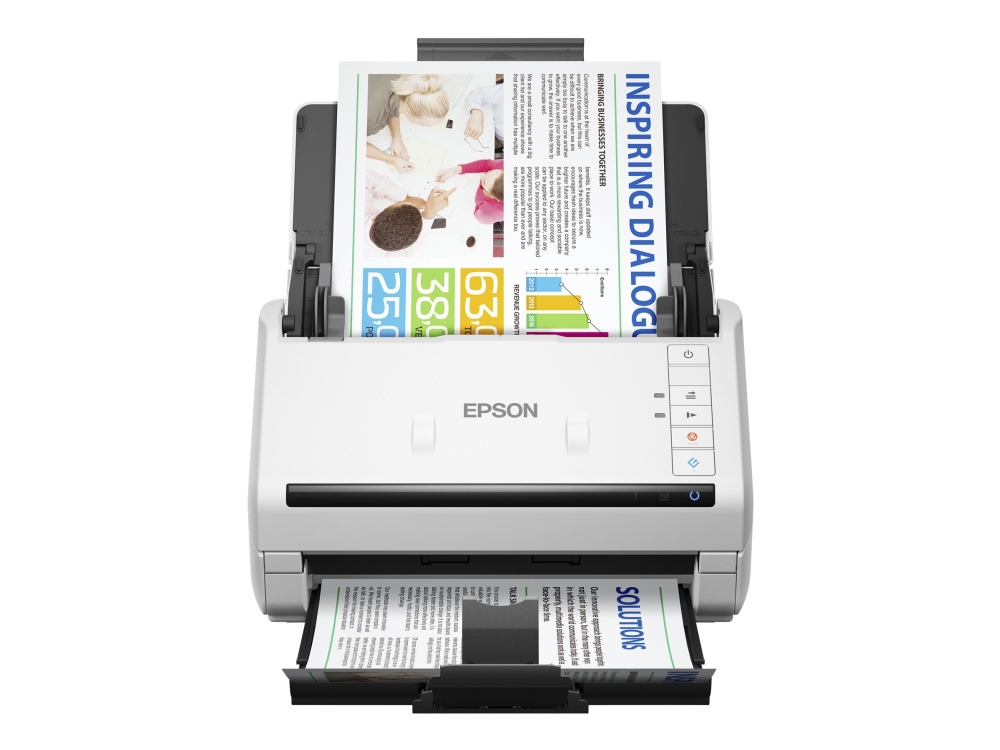
- Dedicated Electronics scanners with an ADF breeze through stacks of A4 forms.
- Print, Copy, Scan & Fax units fold four tasks into one machine, freeing desk space.
- Pocket-sized scanning pens capture text on the move, handy for research trips.
- Flatbed and ADF combo units (Electronics) let you scan both books and batches.
- Higher resolution tiers, such as 1200 dpi models, preserve fine detail in photos.
Things to watch
- Multifunction Print, Copy, Scan & Fax boxes are heavier and need more routine care.
- Sheet-fed ADF scanners can misfeed delicate or folded pages.
- Scanning pens read a narrow strip, so full documents take many passes.
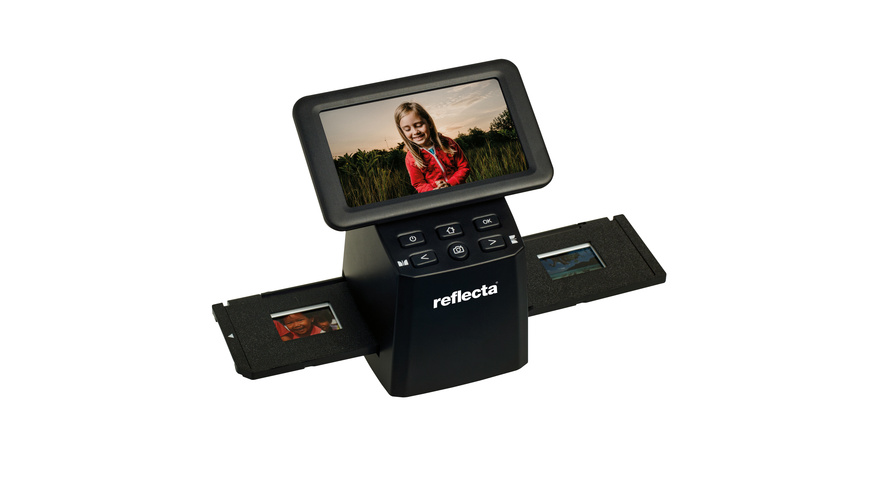
- Film scanners only handle 35 mm media, useless for paper invoices.
- A 600 dpi ADF is fine for text but soft on glossy images.
Care & maintenance
Regular cleaning
Dust the flatbed glass and ADF rollers with a dry cloth weekly.
Pen care
Keep scanning pens topped up and capped to protect the scan tip.
Multifunction upkeep
For Print, Copy, Scan & Fax units, use the built-in cleaning cycle and avoid stapled sheets.
Film unit storage
Store film scanners in a dry spot to guard the optical path.
Frequently Asked Questions
What should I look for when buying scanners?
When shopping for scanners, consider factors such as quality, price, brand reputation, and customer reviews. Compare prices across multiple retailers to ensure you're getting the best deal. Look for products that match your specific needs and budget.
How do I choose the right scanners?
Choosing the right scanners depends on your individual needs, budget, and preferences. Research different options, read customer reviews, and compare specifications. Consider what features are most important to you and look for products that offer the best value for money.
Where can I find the best deals on scanners?
You can find the best deals on scanners by comparing prices across multiple retailers. Our price comparison tool helps you find the lowest prices from trusted UK retailers including Amazon, eBay, and other major online stores. Check regularly as prices and deals change frequently.
Are scanners products worth the investment?
The value of scanners products depends on your specific needs and how you plan to use them. Quality products from reputable brands often provide better long-term value, even if they cost more initially. Consider your budget and requirements when making your decision.
What's the difference between different types of scanners?
Different types of scanners vary in features, quality, price, and intended use. Some may offer premium features while others focus on affordability. Research the specific differences between models or brands to find the option that best suits your needs and budget.