Touchpads
How to choose touchpads
Sub type
Select Input Devices for a ready to use pad, or Computer Components for a repair job.
Connection
Go wired for zero charging, or wireless 2.4G for a clearer desk.
Material
Match material to need: aluminium for tough use, plastic for portability, fur for looks.
Colour
Check colour range from black to dark olive, but verify the sub type offers it.
Format
Choose a standalone Electronics item or an Electronics Accessories add on like a holder.
What's good
- Wireless input devices in this category remove cable clutter for laptop and desktop use.
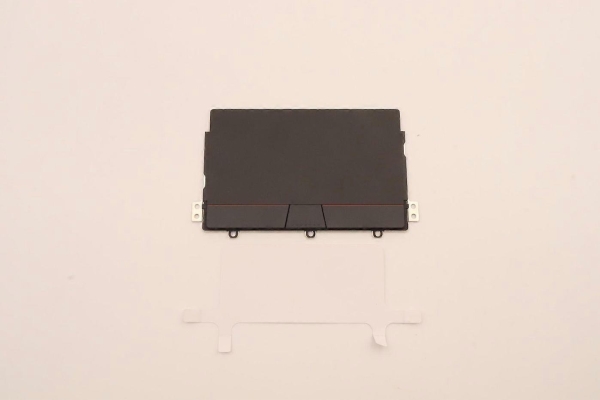
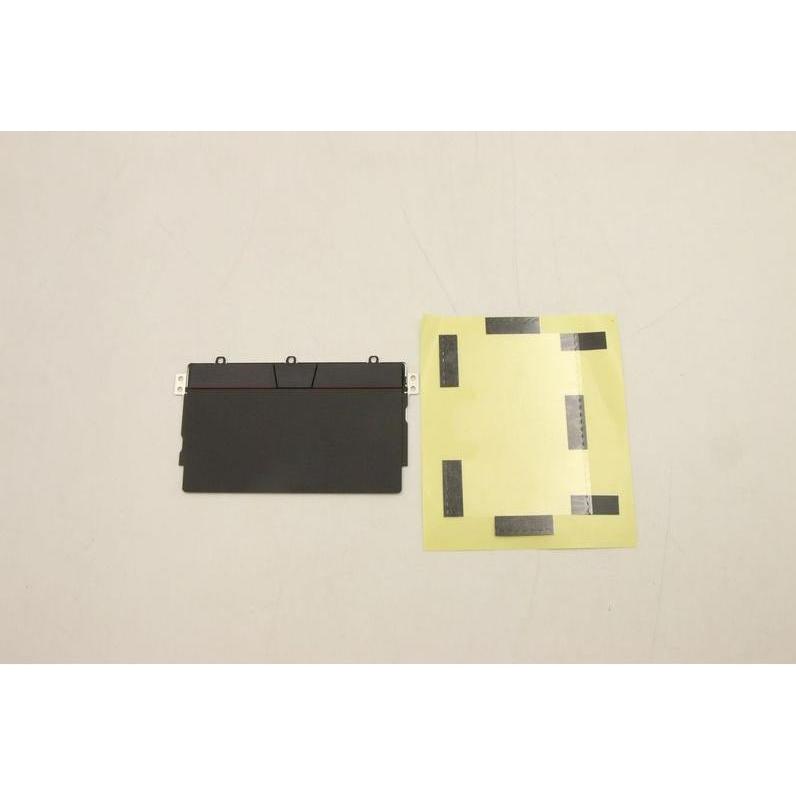
- Computer Components sub type offers spare touchpads to repair a laptop without full replacement.
- Colour choice runs from black, silver, and grey to red, blue, and dark olive, easing setup matching.
- Aluminium or metal/plastic builds give a sturdy feel, while plastic keeps the unit light.
- Electronics Accessories include ergonomic holders that pair with a pad for better wrist posture.
Things to watch
- Wired USB touchpads lock you to a port, limiting desk placement.
- Rechargeable wireless models need periodic charging, unlike corded ones.
- Spare part components demand careful installation, so they suit repairers not casual buyers.
- Fur or PLA material items can show wear sooner than metal or aluminium versions.
- Some colours and materials only appear in certain sub types, narrowing your match.
Care & maintenance
Surface
Wipe plastic and aluminium surfaces with a dry cloth to keep tracking clean.
Fur care
Brush fur covered pads to prevent debris near the sensor.
Power
Top up rechargeable wireless units before storage to protect battery life.
Components
Inspect metal/plastic laptop components after fitting to ensure secure mounting.
Frequently Asked Questions
What should I look for when buying touchpads?
When shopping for touchpads, consider factors such as quality, price, brand reputation, and customer reviews. Compare prices across multiple retailers to ensure you're getting the best deal. Look for products that match your specific needs and budget.
How do I choose the right touchpads?
Choosing the right touchpads depends on your individual needs, budget, and preferences. Research different options, read customer reviews, and compare specifications. Consider what features are most important to you and look for products that offer the best value for money.
Where can I find the best deals on touchpads?
You can find the best deals on touchpads by comparing prices across multiple retailers. Our price comparison tool helps you find the lowest prices from trusted UK retailers including Amazon, eBay, and other major online stores. Check regularly as prices and deals change frequently.
Are touchpads products worth the investment?
The value of touchpads products depends on your specific needs and how you plan to use them. Quality products from reputable brands often provide better long-term value, even if they cost more initially. Consider your budget and requirements when making your decision.
What's the difference between different types of touchpads?
Different types of touchpads vary in features, quality, price, and intended use. Some may offer premium features while others focus on affordability. Research the specific differences between models or brands to find the option that best suits your needs and budget.