Operating Systems
How to choose operating systems
Sub-type fit
Pick between Software and Computer Software sub-types: the latter often pairs with hardware brands like Dell, HPE, or Hewlett Packard, while the former is licence-only.
Compute tier
Choose a cloud PC tier: 4 vCPU 16GB 512GB fits light office work, whereas 8 vCPU 32GB 128GB or 16 vCPU 64GB 1TB suits development and GPU tasks.
Colour variant
Note the colour axis: gold and red are available, but base the decision on packaging need, not on any spec difference.
Brand ecosystem
Weigh brand ecosystem: Microsoft covers Windows 365 and Server, SUSE gives Linux, Cisco gives network options, and AppGuard or Delinea target security-focused builds.
Add-on scope
Decide if you need add-on licences such as disaster recovery or education pricing, since these are separate from the base OS and unsuitable for general commercial fleets.
What's good
- Cloud PC tiers in this category span from 4 vCPU 16GB 512GB builds to 16 vCPU 64GB 1TB configurations, so you can match compute to the task.
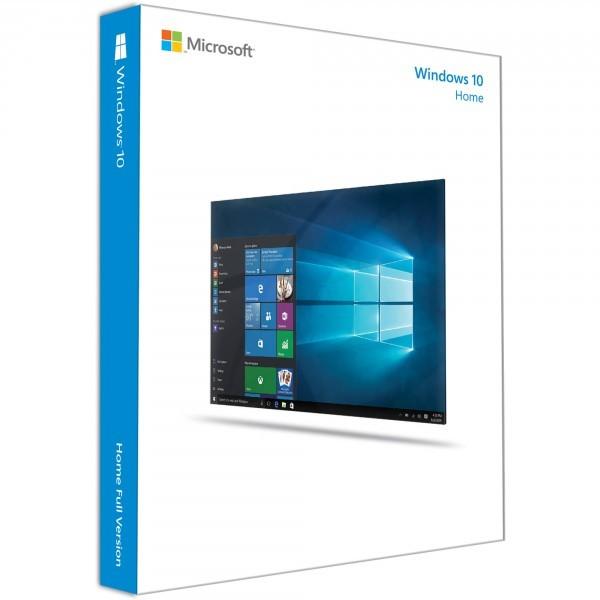
- Education editions such as Windows 10 Home Edu and Power BI Pro student licences give schools a compliant way to deploy the same OS family.
- Add-on licences like cross-region disaster recovery extend a base Windows 365 setup with backup resilience that desktop-only software lacks.
- Non-Microsoft brands including SUSE and Cisco sit alongside Microsoft, letting you standardise on Linux or network OS from one grid.
- A gold or red colour variant appears on some listings, useful if your procurement tags media by colour.
Things to watch
- High-end cloud tiers like GPU Super or 16 vCPU 64GB 1TB need active admin and suit teams, not a single home user wanting a simple desktop.
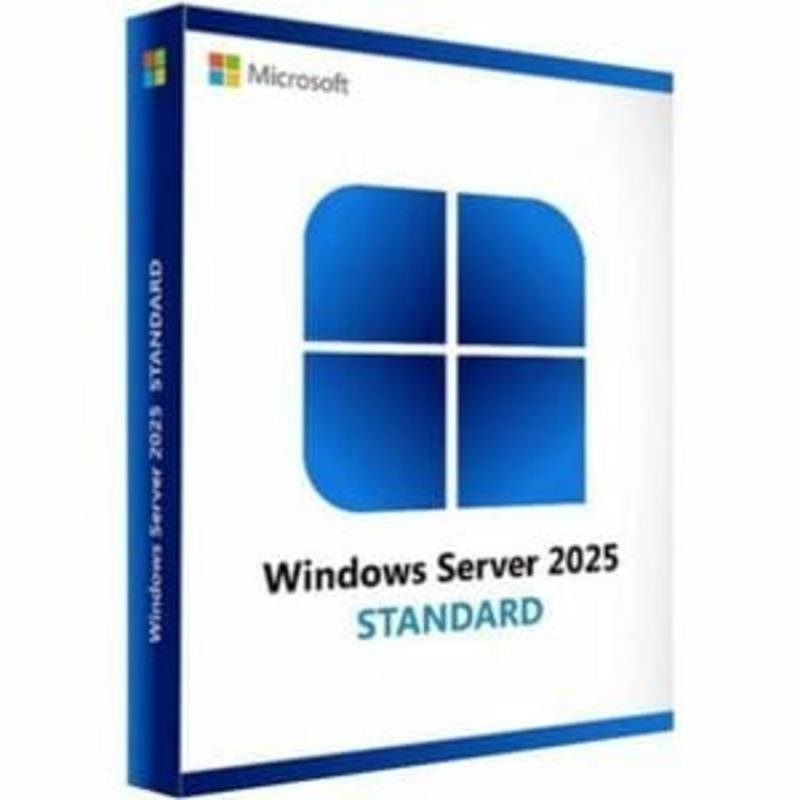
- Server User CALs are add-ons only, so they will not work as a standalone operating system for a fresh server build.
- Education-priced licences restrict use to eligible students or institutions, making them wrong for commercial resale or business use.
- Colour choices (gold, red) change nothing in the code, so buyers expecting faster performance from a red box will waste their pick.
- Boutique brands such as custom or techedology appear in the Computer Software sub-type, and may offer less documented support than Microsoft or HPE.
Care & maintenance
Licence records
Store licence keys and CSP tenant IDs in a secure inventory, because reallocation depends on that record.
Patch routine
Apply OS updates for your chosen sub-type, be it Windows Server, SUSE, or Cisco, on a fixed patch schedule.
Media storage
If you receive physical gold or red media, keep it in a dry place away from sunlight to preserve any printed activation label.
Frequently Asked Questions
What should I look for when buying operating systems?
When shopping for operating systems, consider factors such as quality, price, brand reputation, and customer reviews. Compare prices across multiple retailers to ensure you're getting the best deal. Look for products that match your specific needs and budget.
How do I choose the right operating systems?
Choosing the right operating systems depends on your individual needs, budget, and preferences. Research different options, read customer reviews, and compare specifications. Consider what features are most important to you and look for products that offer the best value for money.
Where can I find the best deals on operating systems?
You can find the best deals on operating systems by comparing prices across multiple retailers. Our price comparison tool helps you find the lowest prices from trusted UK retailers including Amazon, eBay, and other major online stores. Check regularly as prices and deals change frequently.
Are operating systems products worth the investment?
The value of operating systems products depends on your specific needs and how you plan to use them. Quality products from reputable brands often provide better long-term value, even if they cost more initially. Consider your budget and requirements when making your decision.
What's the difference between different types of operating systems?
Different types of operating systems vary in features, quality, price, and intended use. Some may offer premium features while others focus on affordability. Research the specific differences between models or brands to find the option that best suits your needs and budget.