Computer Servers
How to choose computer servers
Form factor
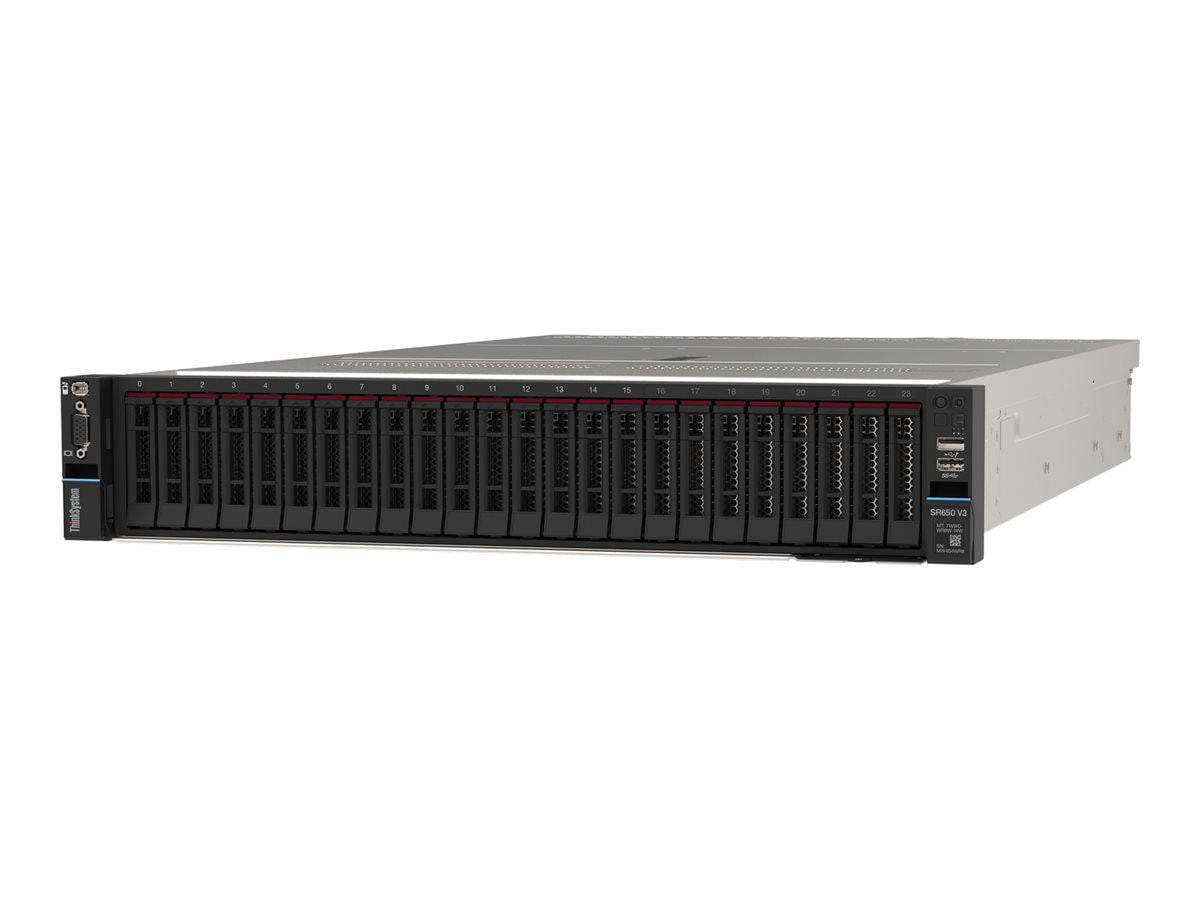
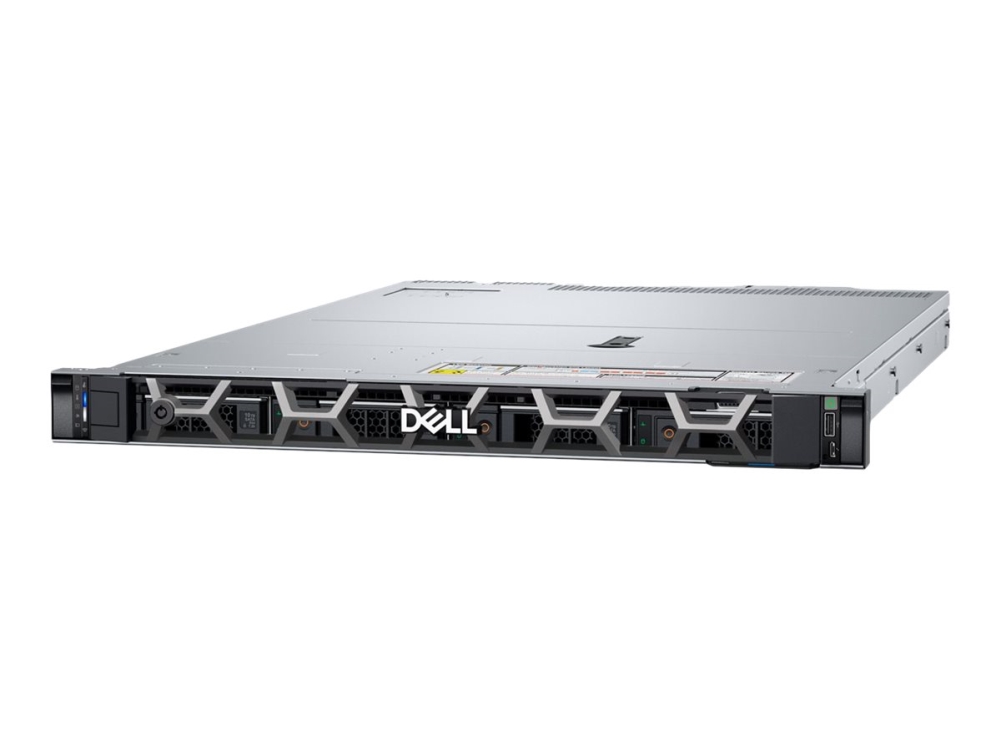
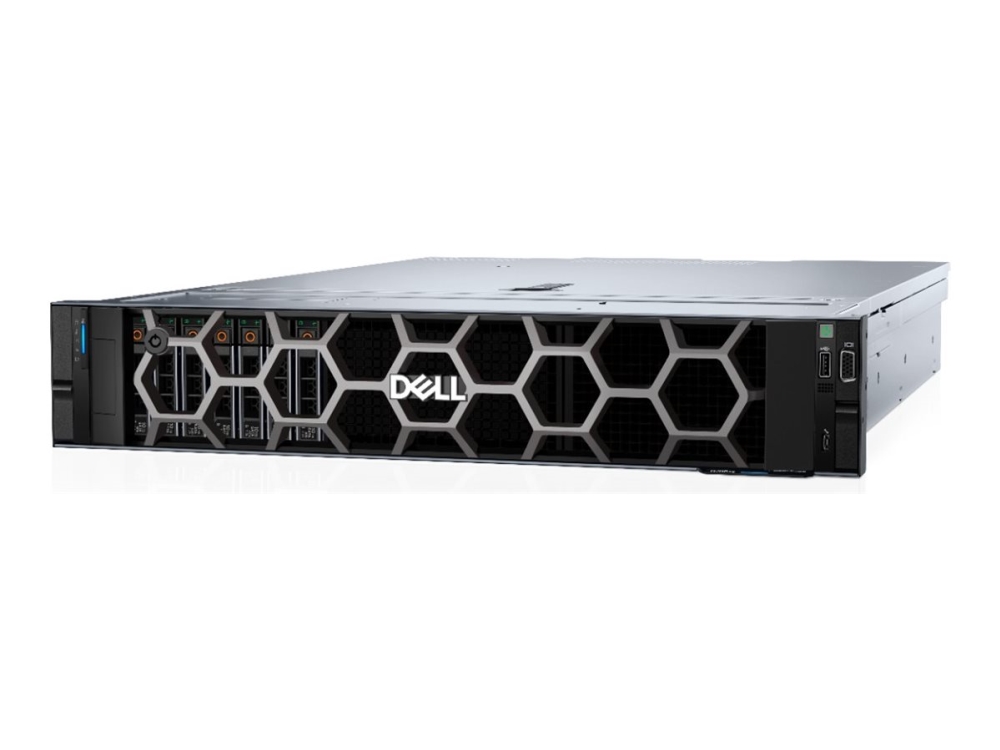
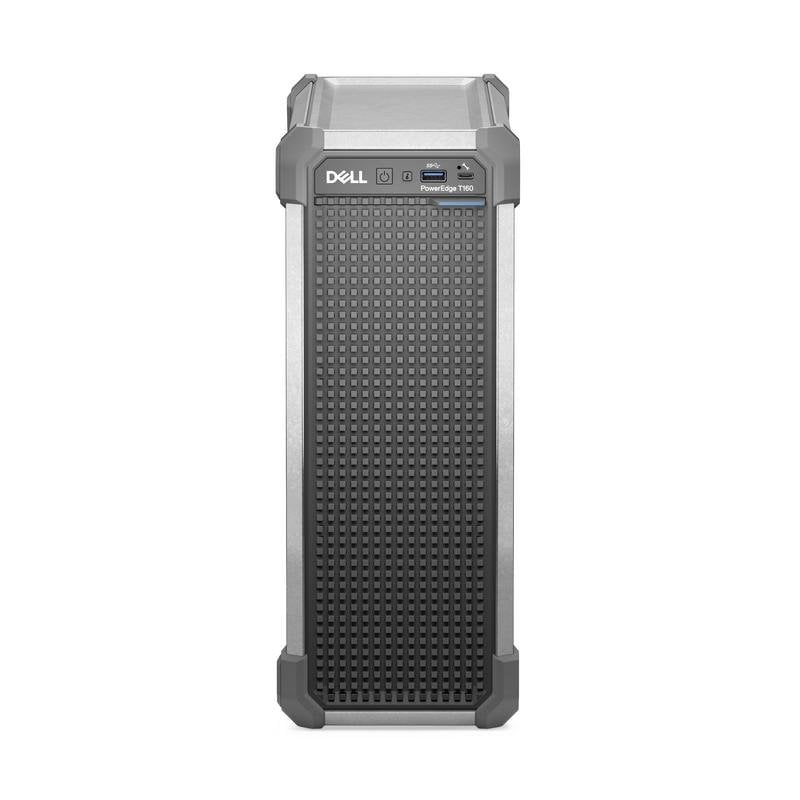
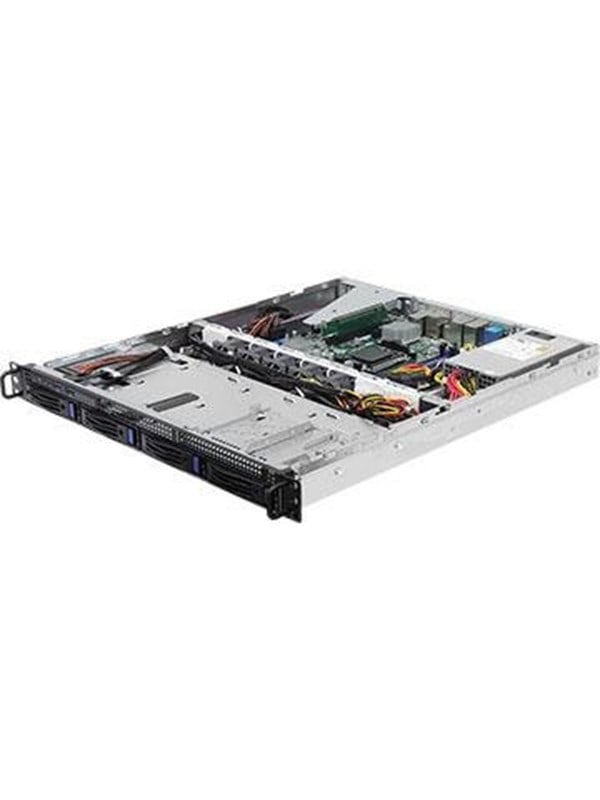
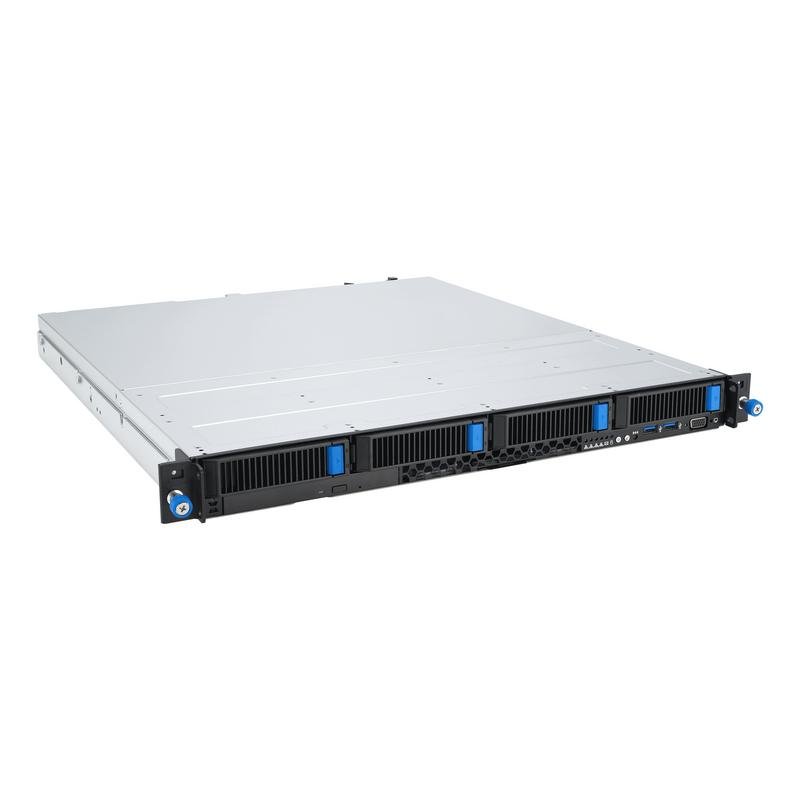
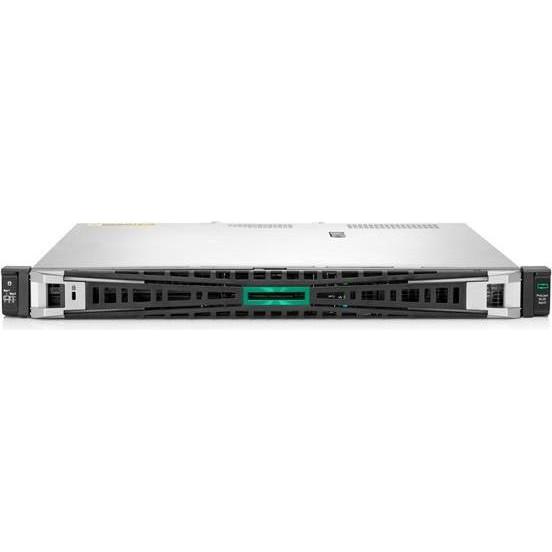
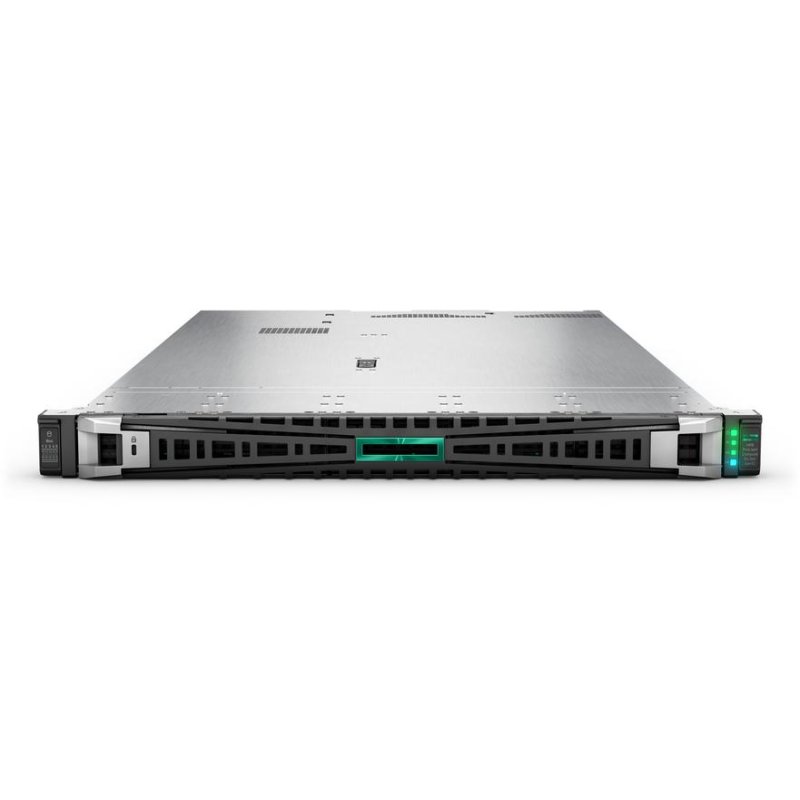
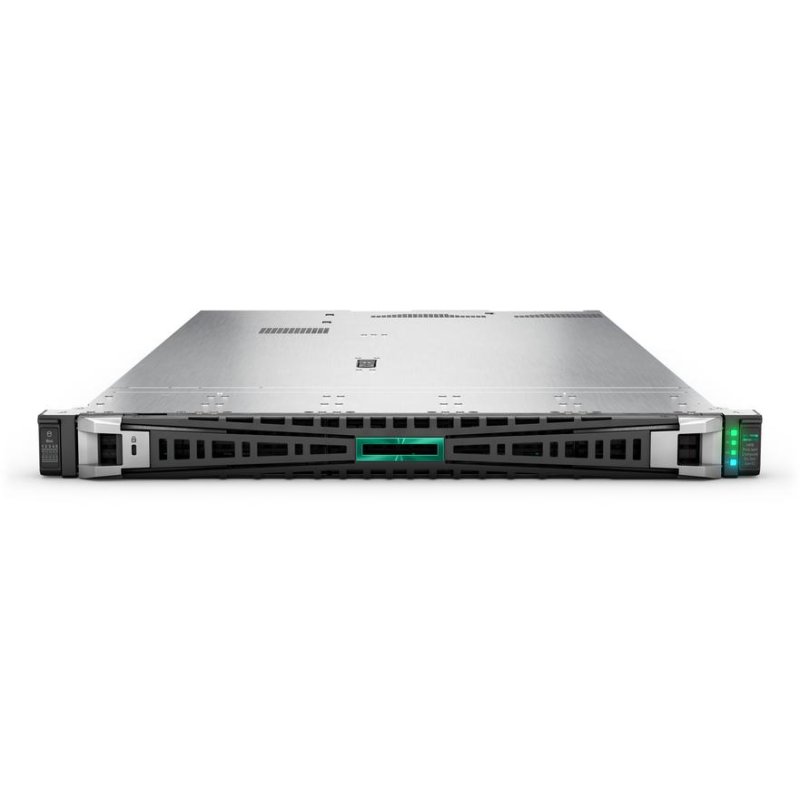
Pick between rack and tower form factors based on available space and noise tolerance. Rack units fit data cabinets, micro towers sit under a desk.
Performance tier
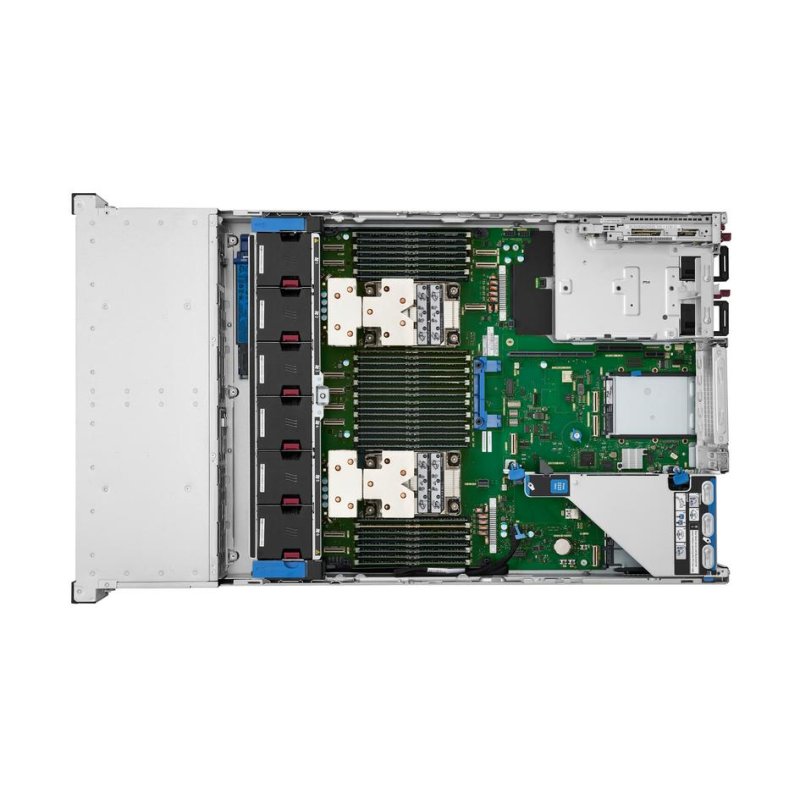
Weigh core count and memory tiers. Entry four-core, 32GB builds suit light file tasks, while thirty-two-core, 64GB models handle dense virtualisation.
Finish
Check the colour and material if the box sits in view. Options include black, silver, gold, white, black/silver, bronze, with silver, gold, mode or silver/steel construction.
Build state
Choose a prebuilt server or a barebone kit. Barebones let you select CPU, RAM and storage, but prebuilt units arrive tested and complete.
Console need
If you manage many network devices, a serial console unit complements a server rack for out-of-band access. It is unnecessary for standalone compute.
What's good
- Rack servers in this range offer high core counts and large RAM pools, ideal for running many virtual machines.
- Micro tower servers provide a compact, quieter option for small offices that still need dedicated compute.
- Server barebones let you fit your own CPU, memory and drives, which suits custom build projects.
- Serial console units give out-of-band management for network hardware, useful when main systems are down.
- Both Intel Xeon and AMD EPYC platforms appear, so you can match an existing estate without changing vendor.
Things to watch
- Rack servers are bulky and need active cooling, so they are poor choices for a quiet home office.
- Micro tower servers give less expansion room than full rack nodes, limiting later upgrades.
- Server barebones ship without processors or memory, meaning they are not ready to power on.
- Serial console units are specialised devices that add no compute power of their own.
- Newer generation rack servers often require specific drive cages and controllers, which adds configuration steps.
Care & maintenance
Clean vents
Dust the front and rear grilles of rack servers every few months to keep airflow steady.
Tower placement
Place micro tower servers on a firm base and keep the exhaust side clear of walls or papers.
Reseat parts
After moving a barebone chassis, check that your added cards and memory are seated correctly.
Update console
Apply firmware updates to serial console devices to maintain secure remote access.
Frequently Asked Questions
What should I look for when buying computer servers?
When shopping for computer servers, consider factors such as quality, price, brand reputation, and customer reviews. Compare prices across multiple retailers to ensure you're getting the best deal. Look for products that match your specific needs and budget.
How do I choose the right computer servers?
Choosing the right computer servers depends on your individual needs, budget, and preferences. Research different options, read customer reviews, and compare specifications. Consider what features are most important to you and look for products that offer the best value for money.
Where can I find the best deals on computer servers?
You can find the best deals on computer servers by comparing prices across multiple retailers. Our price comparison tool helps you find the lowest prices from trusted UK retailers including Amazon, eBay, and other major online stores. Check regularly as prices and deals change frequently.
Are computer servers products worth the investment?
The value of computer servers products depends on your specific needs and how you plan to use them. Quality products from reputable brands often provide better long-term value, even if they cost more initially. Consider your budget and requirements when making your decision.
What's the difference between different types of computer servers?
Different types of computer servers vary in features, quality, price, and intended use. Some may offer premium features while others focus on affordability. Research the specific differences between models or brands to find the option that best suits your needs and budget.