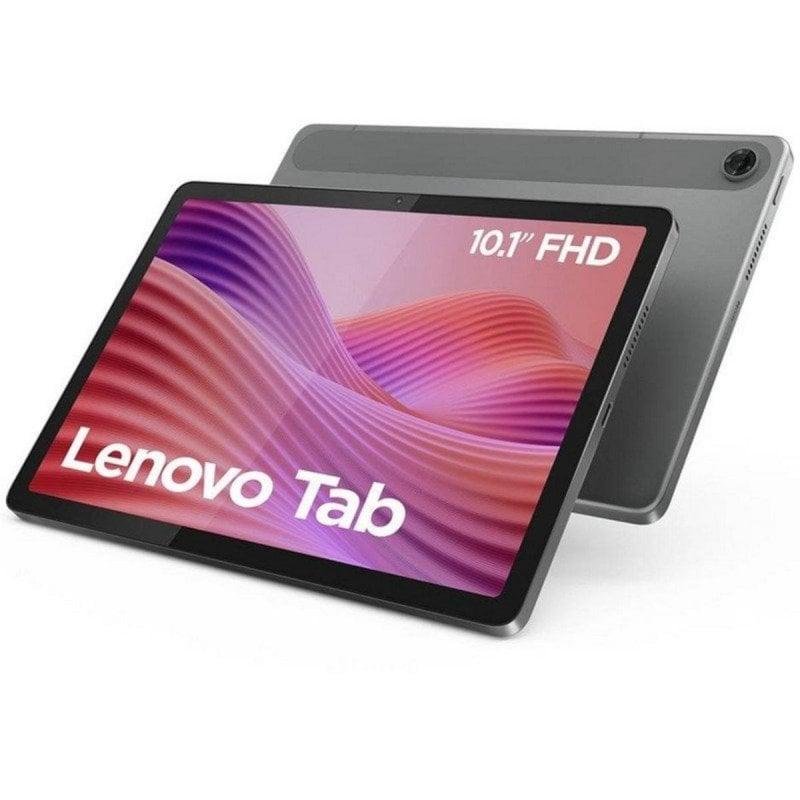
Tablet Computers
How to choose tablet computers
Sub-type and audience
Listings here sit under Electronics and Computers sub-types. The first decision is kids tablet versus full tablet.
Kids vs adult use
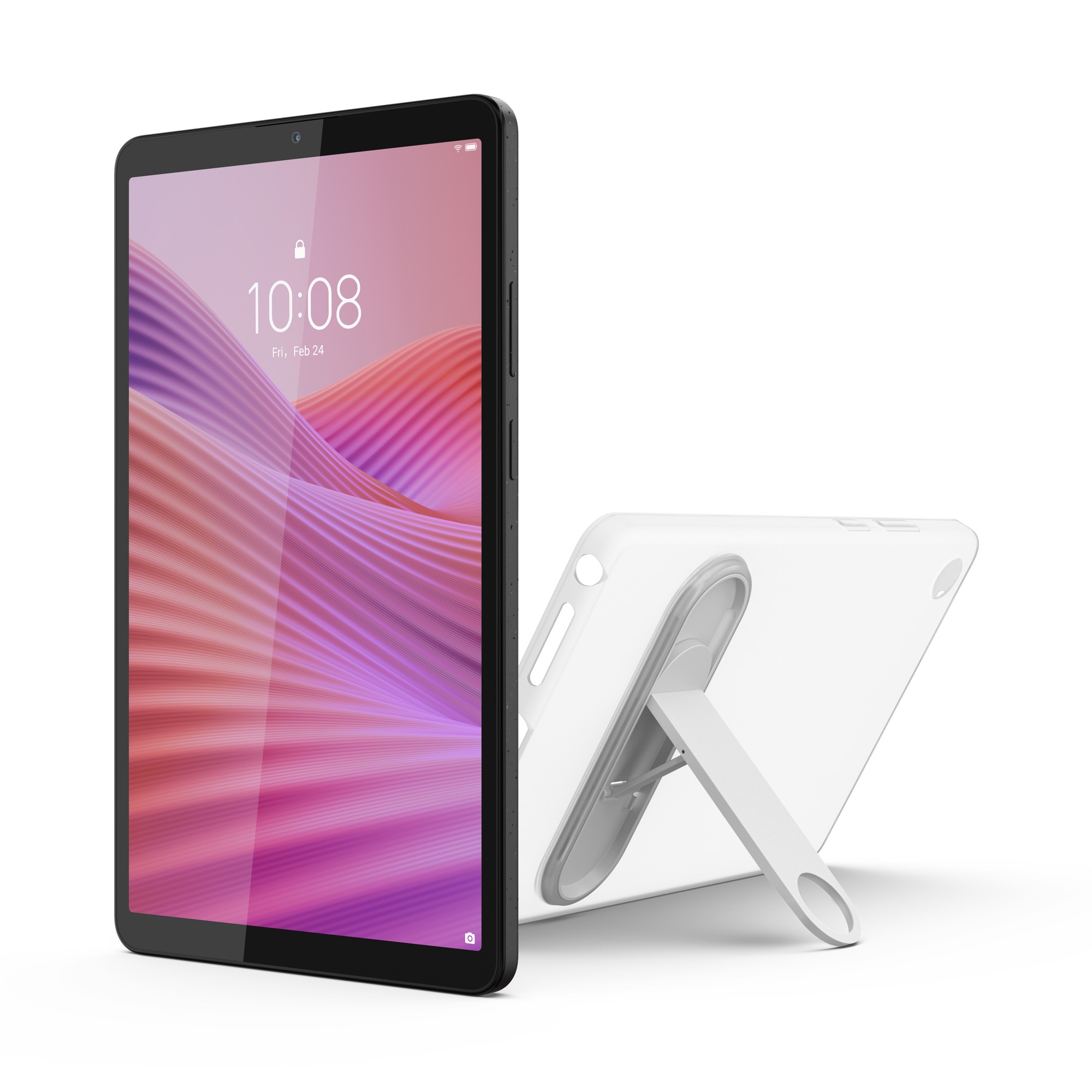
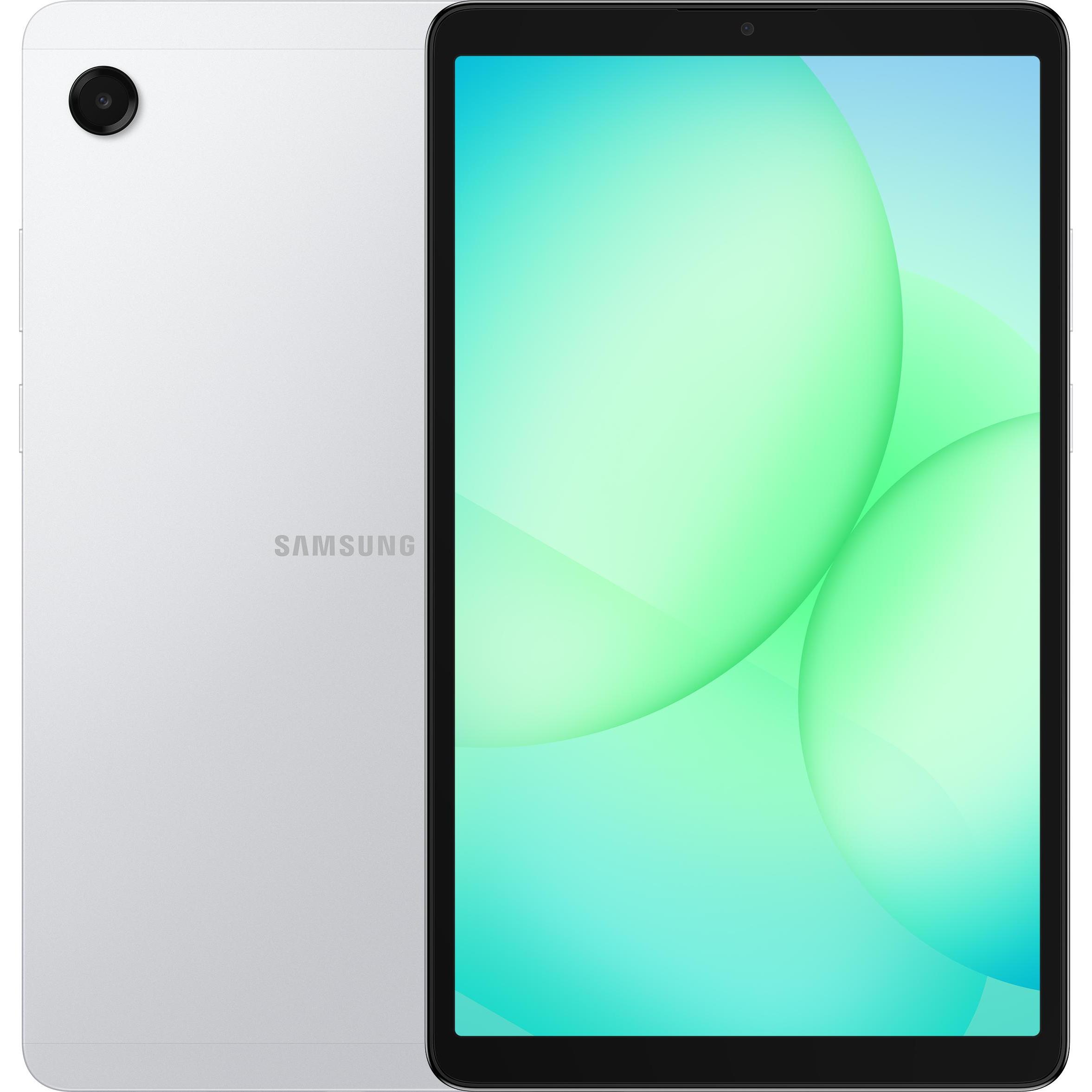
Pick a kids educational tablet with a sleeve if the user is under ten. Choose a standard 11-inch model if they need Gemini AI or a 13MP camera.
Connectivity tier
Decide on connectivity. Wi-Fi only is lighter and fine at home, while Wi-Fi and Cellular suits the commute.
Material tradeoff
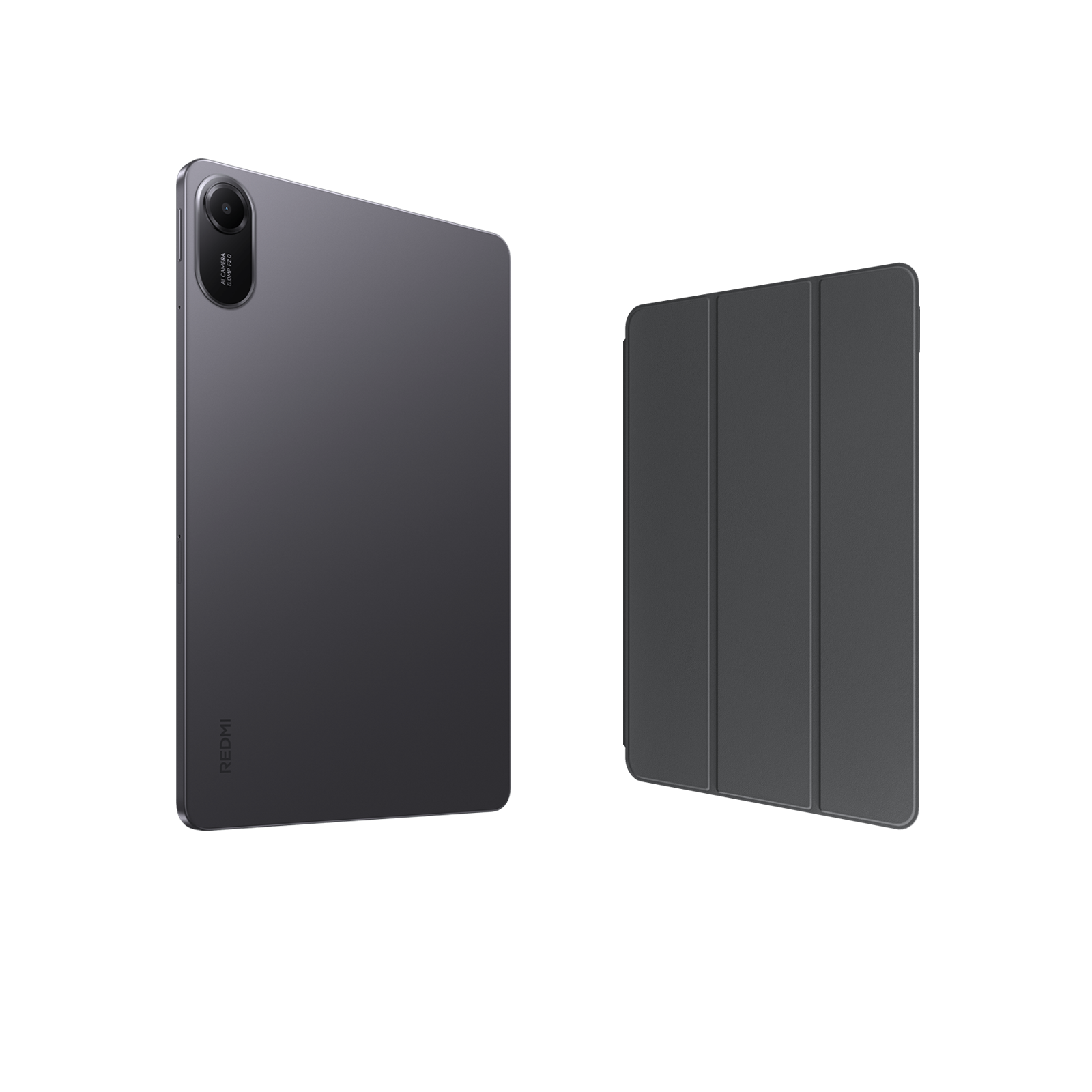
Weigh the build. Plastic and silicone take rough handling, while metal or aluminium feels firmer but dents on impact.
Colour and storage
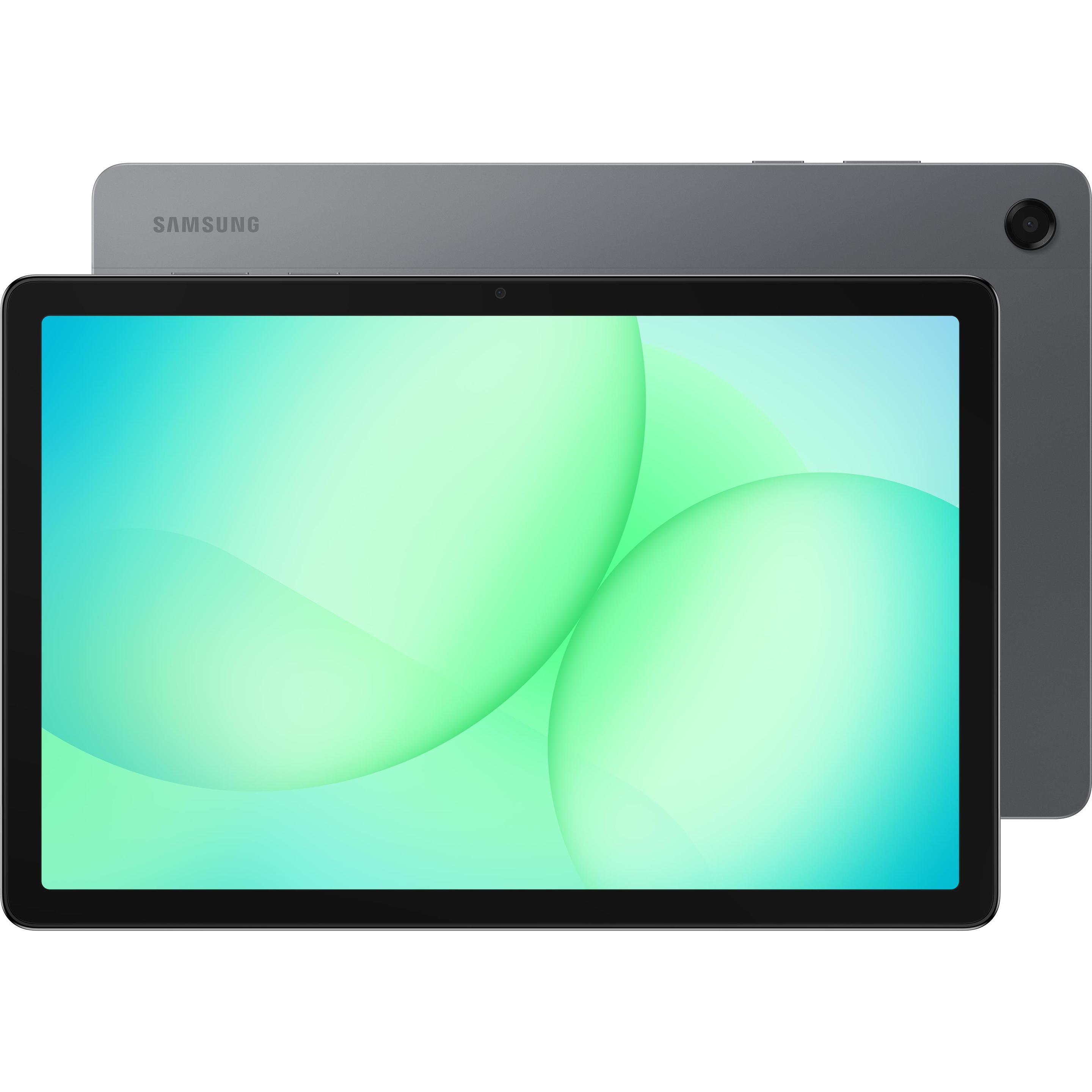
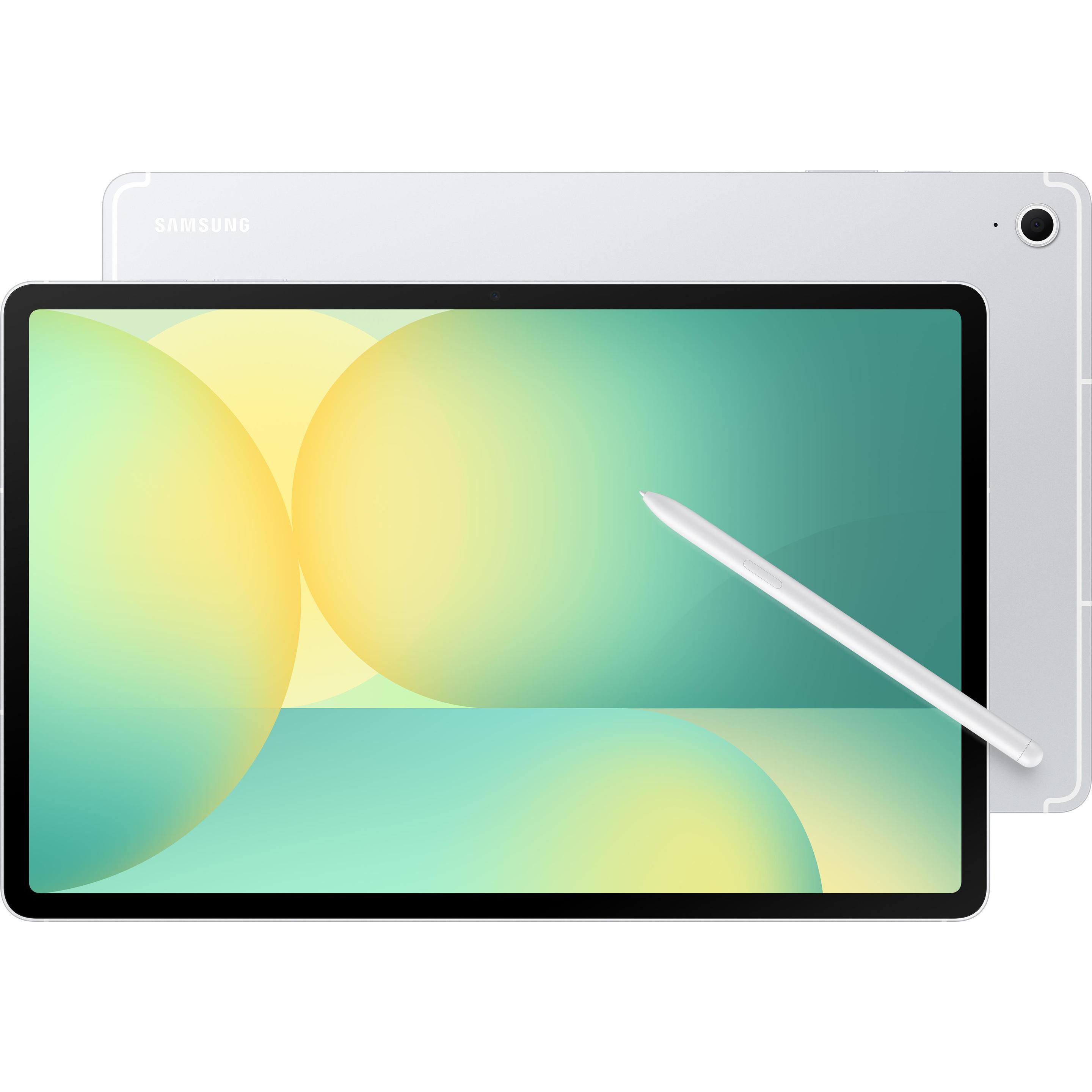
Set your colour and storage before you buy. Green or pink hides marks on kids models, while grey or silver pairs with 1TB tiers for media hoarders.
What's good
- Kids educational tablets ship with protective sleeves and simple menus. They trade processing power for durability.
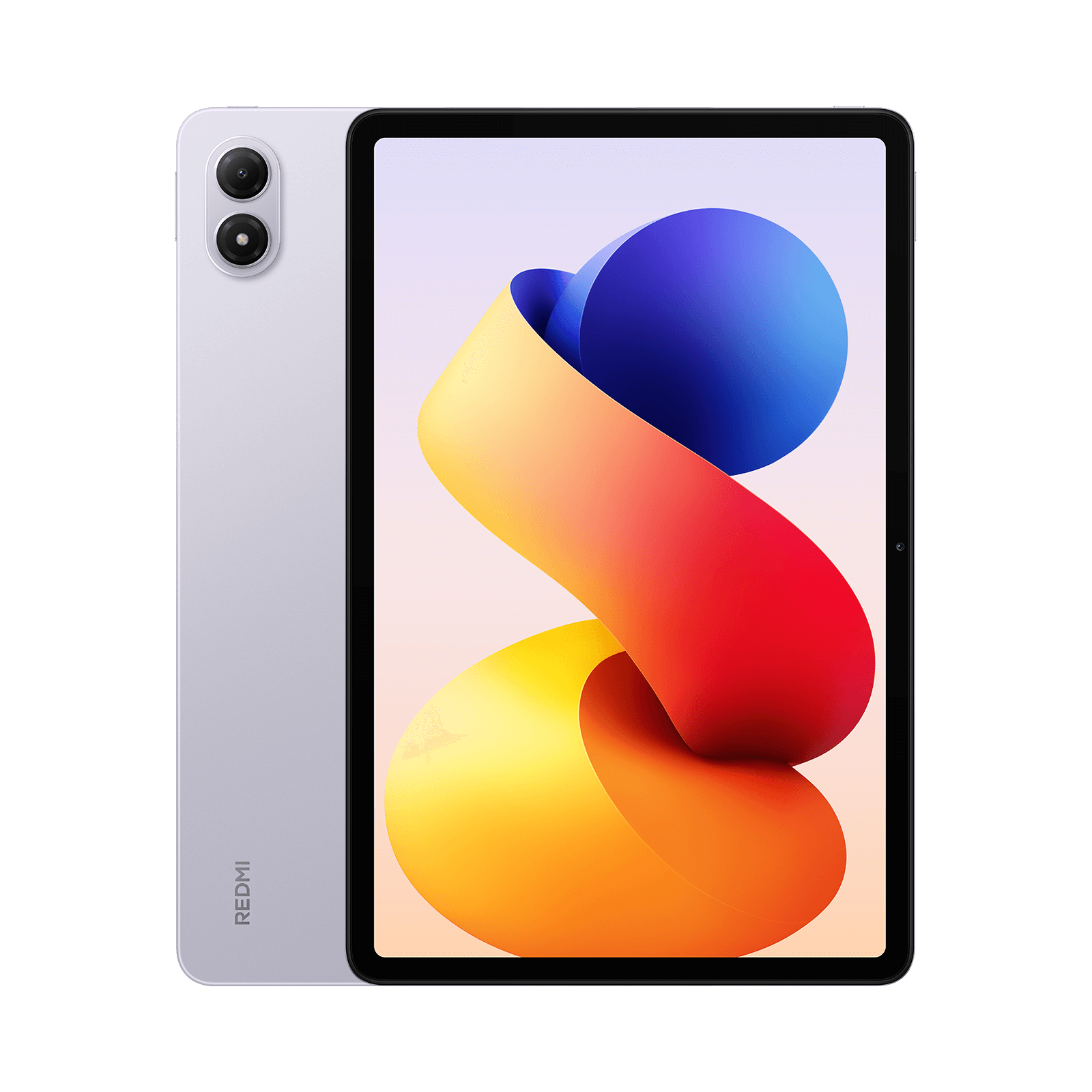
- Large battery Android tablets, some with 8580mAh cells, give long off-grid use with GPS and FM radio. They suit travel or site work.
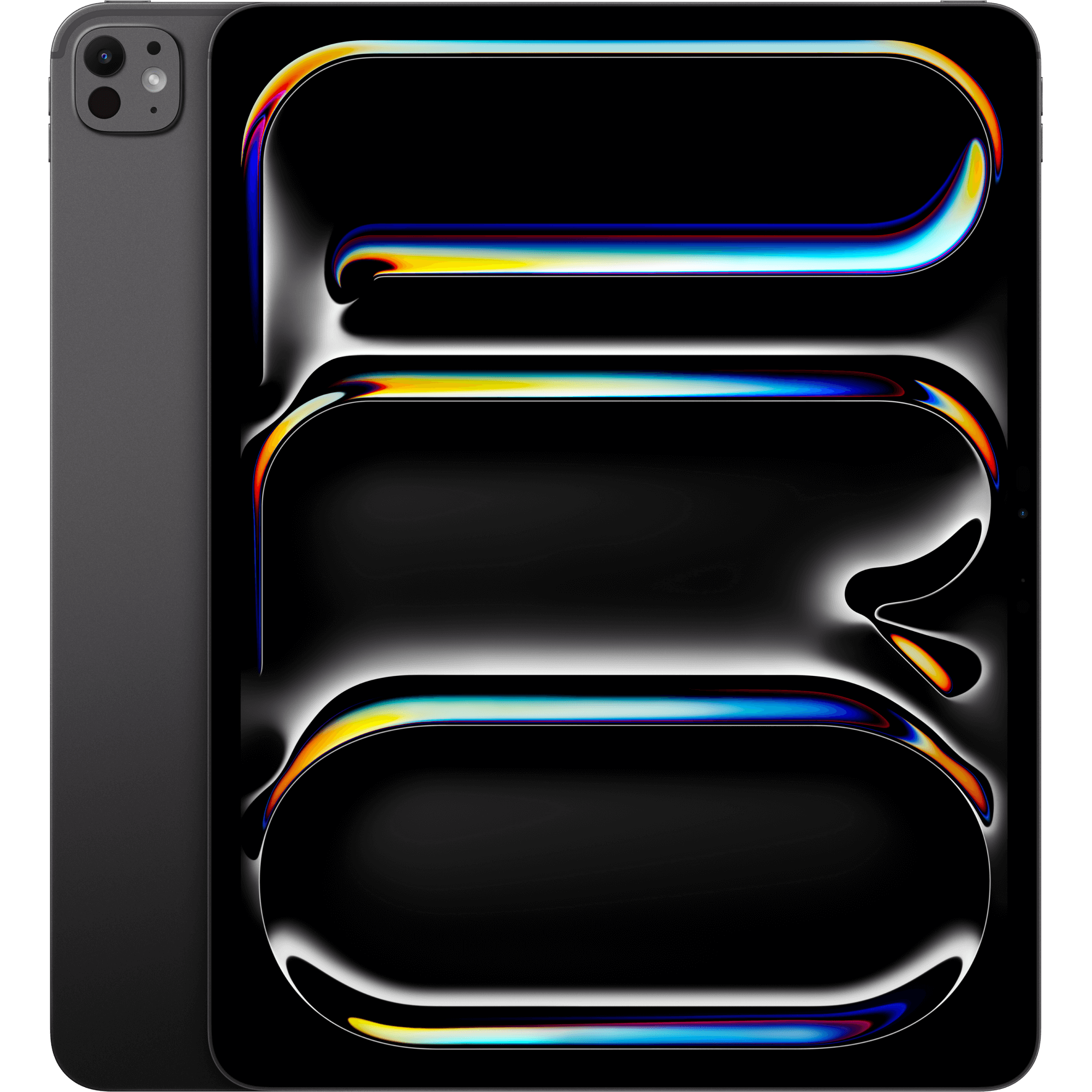
- Premium tablets with Wi-Fi and Cellular stay online without a phone hotspot. This helps commuters who need email on the train.
- High storage tiers, up to 1TB internal or 2TB via microSD, hold big media libraries offline. You avoid leaning on cloud space.
Things to watch
- Kids learning tablets lack the 13MP cameras and octa-core chips of adult models. They are wrong for photo edits or heavy multitasking.
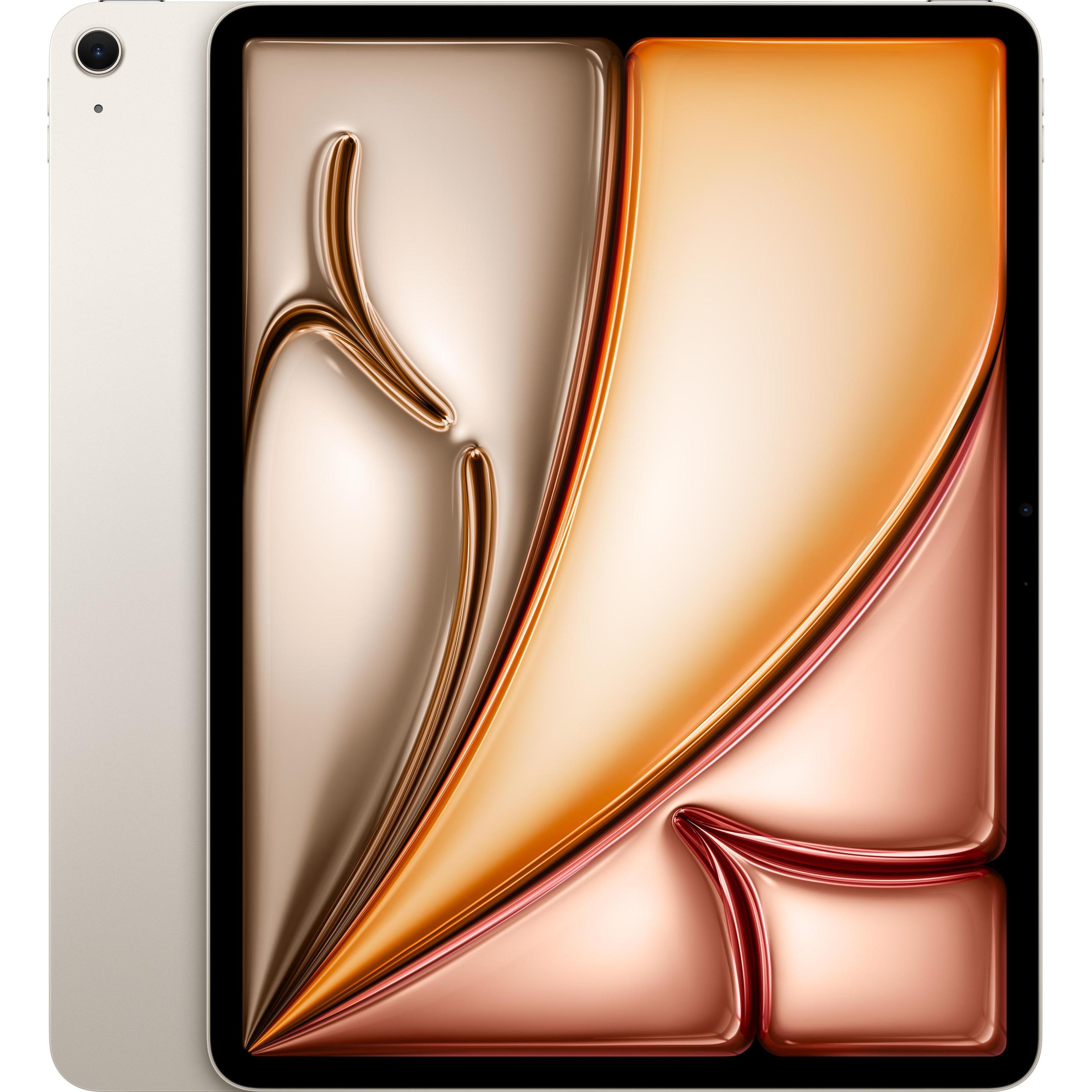
- Plastic and silicone builds survive drops but feel less rigid than metal or aluminium frames. You trade a smart look for toughness.
- Cellular radios draw more battery than Wi-Fi only use, and add a little weight. Home users gain nothing from the extra drain.
- Many expandable Android tablets ship with just 64GB internal memory. You must buy a storage card for large film or music collections.
Care & maintenance
Clean soft shells
Wipe plastic and silicone sleeves with a damp cloth to keep ports free of grime.
Protect rigid frames
Store metal and aluminium tablets away from loose keys in a bag to prevent finish scratches.
Battery care
Top up large battery units (such as 8580mAh) to around 80% daily to slow cell wear.
Sensor upkeep
Brush the Face ID sensor and OTG port with a dry fibre if unlocking or accessory use fails.
Frequently Asked Questions
What should I look for when buying tablet computers?
When shopping for tablet computers, consider factors such as quality, price, brand reputation, and customer reviews. Compare prices across multiple retailers to ensure you're getting the best deal. Look for products that match your specific needs and budget.
How do I choose the right tablet computers?
Choosing the right tablet computers depends on your individual needs, budget, and preferences. Research different options, read customer reviews, and compare specifications. Consider what features are most important to you and look for products that offer the best value for money.
Where can I find the best deals on tablet computers?
You can find the best deals on tablet computers by comparing prices across multiple retailers. Our price comparison tool helps you find the lowest prices from trusted UK retailers including Amazon, eBay, and other major online stores. Check regularly as prices and deals change frequently.
Are tablet computers products worth the investment?
The value of tablet computers products depends on your specific needs and how you plan to use them. Quality products from reputable brands often provide better long-term value, even if they cost more initially. Consider your budget and requirements when making your decision.
What's the difference between different types of tablet computers?
Different types of tablet computers vary in features, quality, price, and intended use. Some may offer premium features while others focus on affordability. Research the specific differences between models or brands to find the option that best suits your needs and budget.