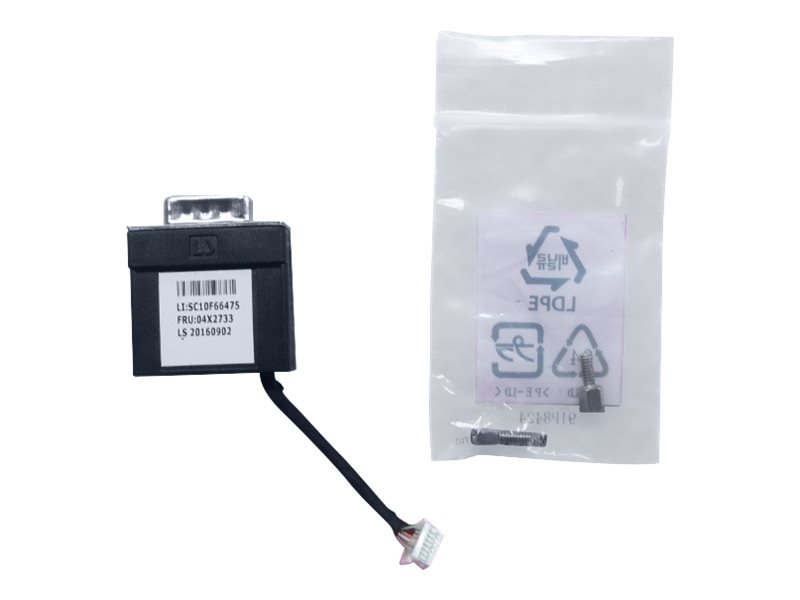
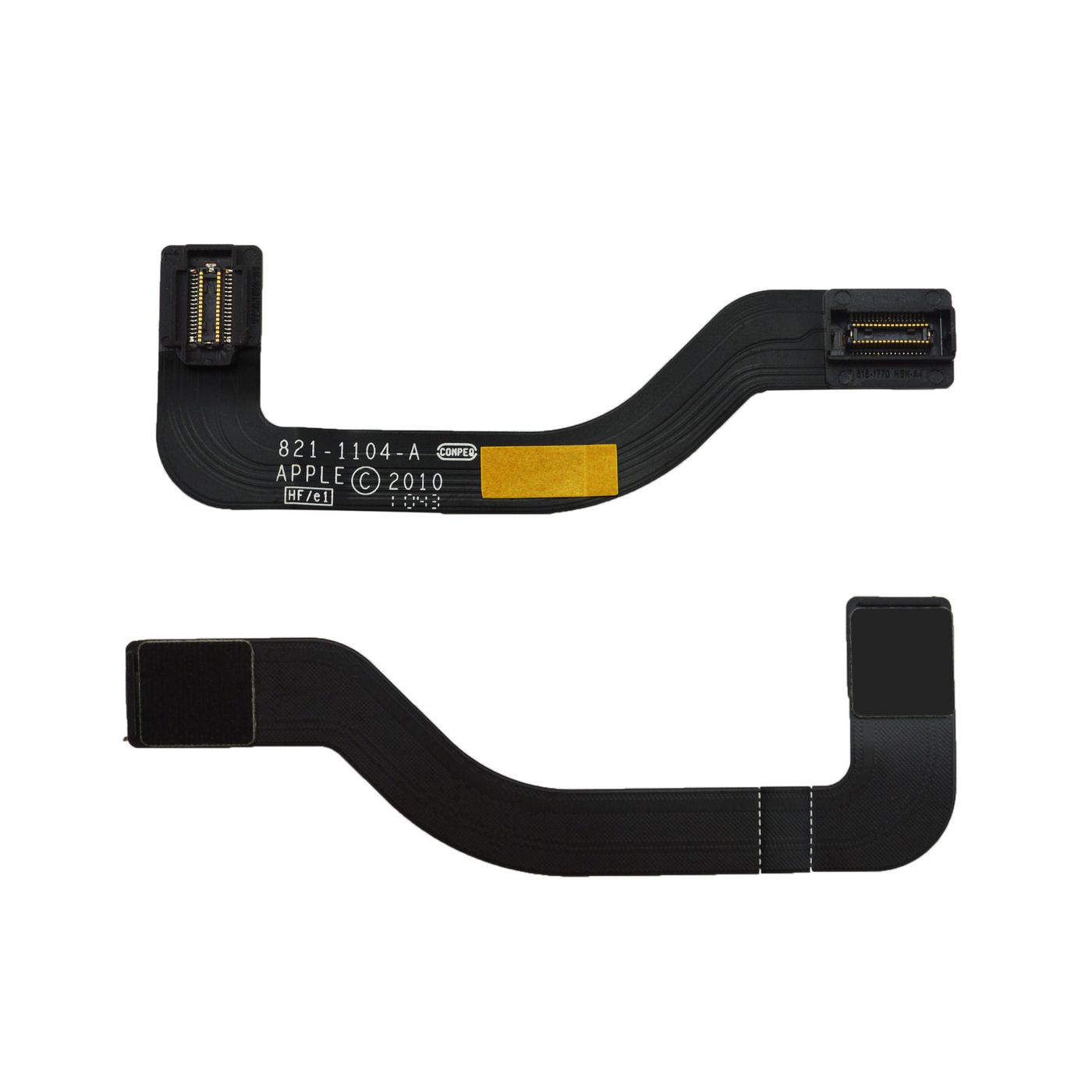
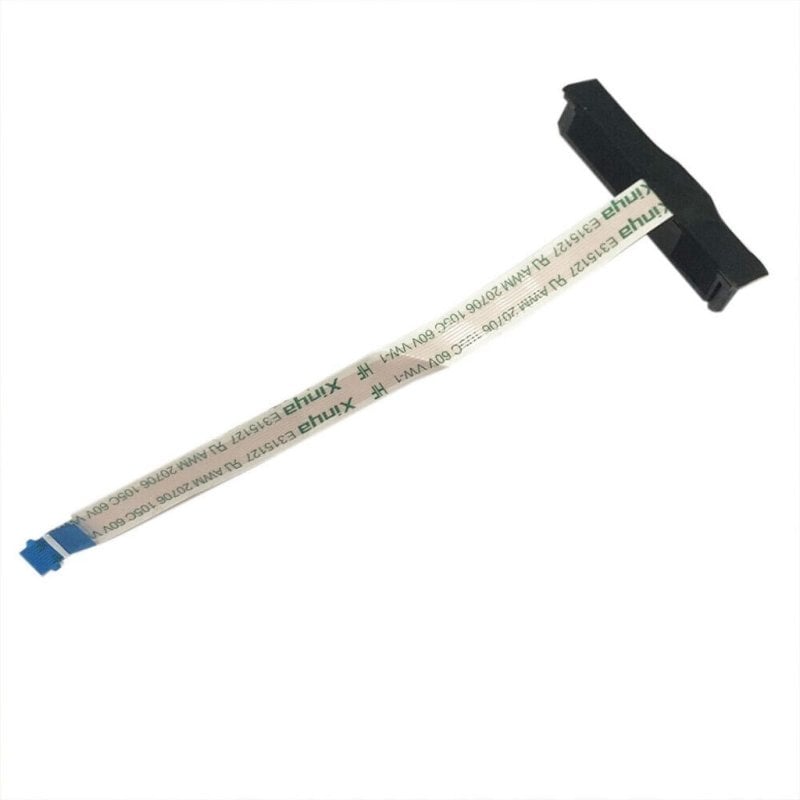
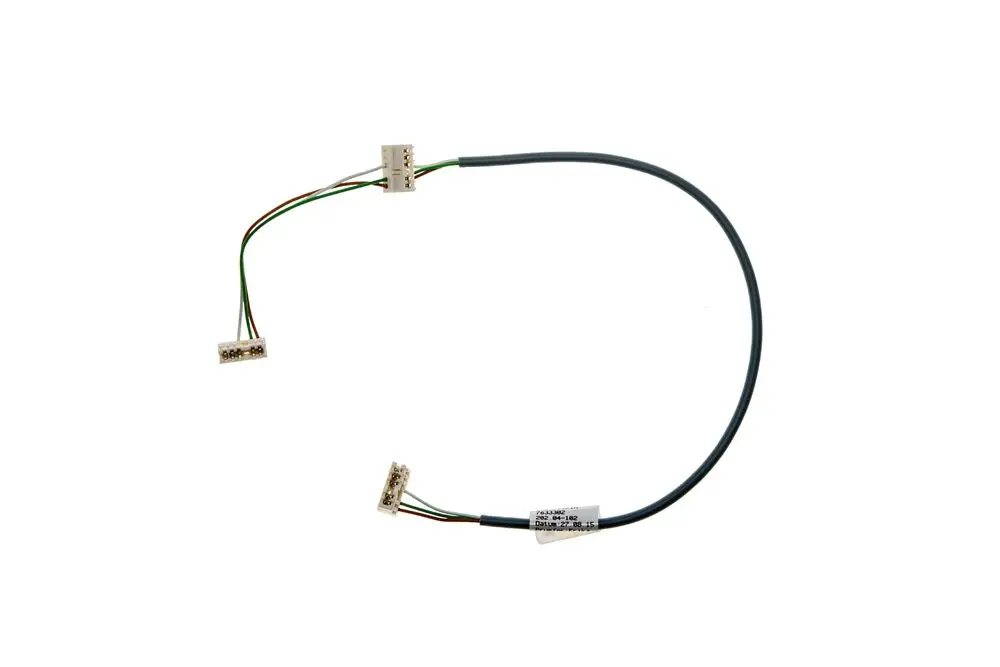
Laptop Replacement Cables
How to choose laptop replacement cables
Fitment style
External electronics accessories swap in seconds; laptop parts need a teardown.
Material
Material decides life span: metal for strength, plastic for lightness, hybrid for balance.
Colour
Colour is practical, not just style. Grey hides grime, red helps you find the cable later.
Sub-type
Sub-type must fit the job. Computer components target board level work, laptop parts suit screen ribbons, plain electronics cover general leads.
Jacket type
Rubber flexes but soils, metal/plastic stays clean yet stiff. Choose by where you use it.
What's good
- Laptop parts cables bring a dead port or screen back to life without a new machine.
- Computer components with copper or metal cores keep a steady signal for internal repairs.
- Electronics accessories appear in black, white, gold, red or silver, so the lead matches your setup.
- Plain electronics cables offer general leads for everyday kit, no model match needed.
- Plastic/metal hybrid cables trade some weight for extra toughness over pure plastic.
Things to watch
- Internal laptop parts are tiny and tear easily if your tools are wrong.
- Rubber or plastic jackets on some accessories mark quicker than metal/plastic builds.
- Colours like black/yellow or golden/grey are missing from certain sub-types, limiting choice.
- Iron or copper/plastic computer components feel heavier than slim plastic leads.
- The category mixes laptop parts with brackets and adhesive, so confirm the listing is a cable.
Care & maintenance
Storage
Keep copper or silver spares in a dry box to prevent tarnish.
Handling ribbons
Fold ribbon style laptop parts only on the original line to avoid splits.
Cleaning
Dust plastic or rubber external leads with a dry cloth; they trap fluff.
Pin checks
Inspect DC input computer components for loose pins after daily use.
Frequently Asked Questions
What should I look for when buying laptop replacement cables?
When shopping for laptop replacement cables, consider factors such as quality, price, brand reputation, and customer reviews. Compare prices across multiple retailers to ensure you're getting the best deal. Look for products that match your specific needs and budget.
How do I choose the right laptop replacement cables?
Choosing the right laptop replacement cables depends on your individual needs, budget, and preferences. Research different options, read customer reviews, and compare specifications. Consider what features are most important to you and look for products that offer the best value for money.
Where can I find the best deals on laptop replacement cables?
You can find the best deals on laptop replacement cables by comparing prices across multiple retailers. Our price comparison tool helps you find the lowest prices from trusted UK retailers including Amazon, eBay, and other major online stores. Check regularly as prices and deals change frequently.
Are laptop replacement cables products worth the investment?
The value of laptop replacement cables products depends on your specific needs and how you plan to use them. Quality products from reputable brands often provide better long-term value, even if they cost more initially. Consider your budget and requirements when making your decision.
What's the difference between different types of laptop replacement cables?
Different types of laptop replacement cables vary in features, quality, price, and intended use. Some may offer premium features while others focus on affordability. Research the specific differences between models or brands to find the option that best suits your needs and budget.